Estimate capacity from your own files. Multiply the average data from a shooting day by the number of days before you can return to reliable storage, then allow room for an unusually busy day and existing files. Camera megapixels alone are a poor estimate because RAW compression, video and shooting volume vary. Check several recent folders instead of relying on the largest number on a package.
Compatibility comes before advertised speed. Confirm the connection available on the computer or tablet, the cable required and whether the device can supply sufficient power. If you will move between operating systems, choose a file system that both can use for the intended task and test it before travel. Formatting can erase a drive, so perform setup on an empty drive or only after preserving its contents elsewhere.
Test the whole transfer
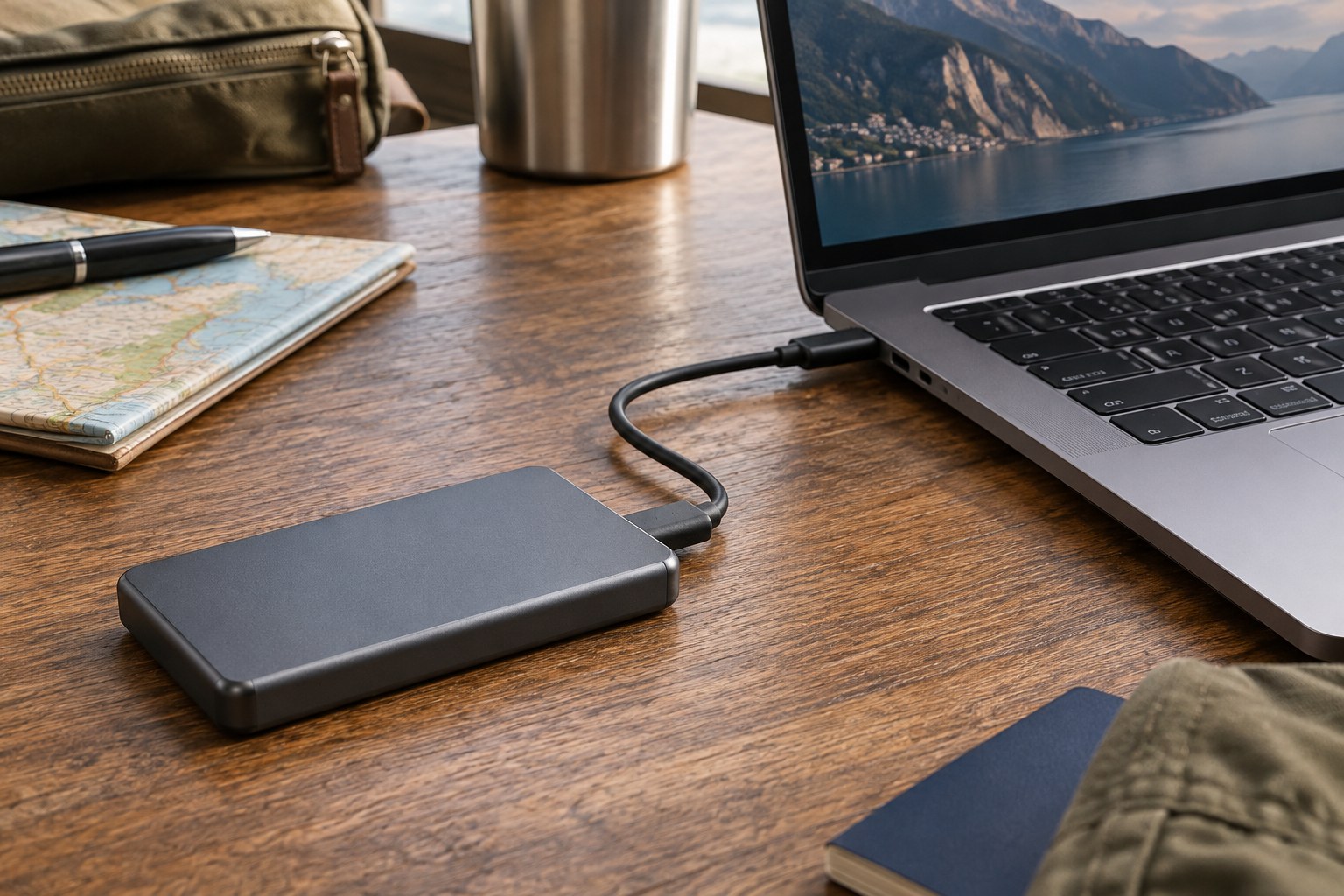
Copy a representative day's files using the actual reader, cable and travel device. Time the complete operation, including verification, rather than a short synthetic benchmark. Open several photographs from the drive and check large files as well as small ones. A fast drive cannot overcome every bottleneck in the card reader, cable or host device.
Solid-state storage has no spinning disk mechanism, but that does not make it immune to loss, damage or failure. An enclosure's stated resistance depends on specified conditions and may not cover connected operation. Keep connectors clean and protected, and avoid transferring files with the drive hanging from its cable. A small protective case is useful only if it fits the drive without squeezing the connector.
One travel drive is not a complete backup if it holds the only copy. Keep a second independent copy according to the value of the photographs and the trip conditions. Carrying both copies in the same bag protects against some device failures but not loss of that bag. Decide how you will separate them and how you will confirm that both transfers succeeded.
Label the drive and record its role: working copy, second copy or archive transport. Leave enough free space for the planned work, and do not silently mix unrelated files into the same travel folder. On returning home, verify the import into permanent storage before clearing either travel copy. Capacity, compatibility and a dependable routine are more consequential than choosing the highest advertised transfer figure.