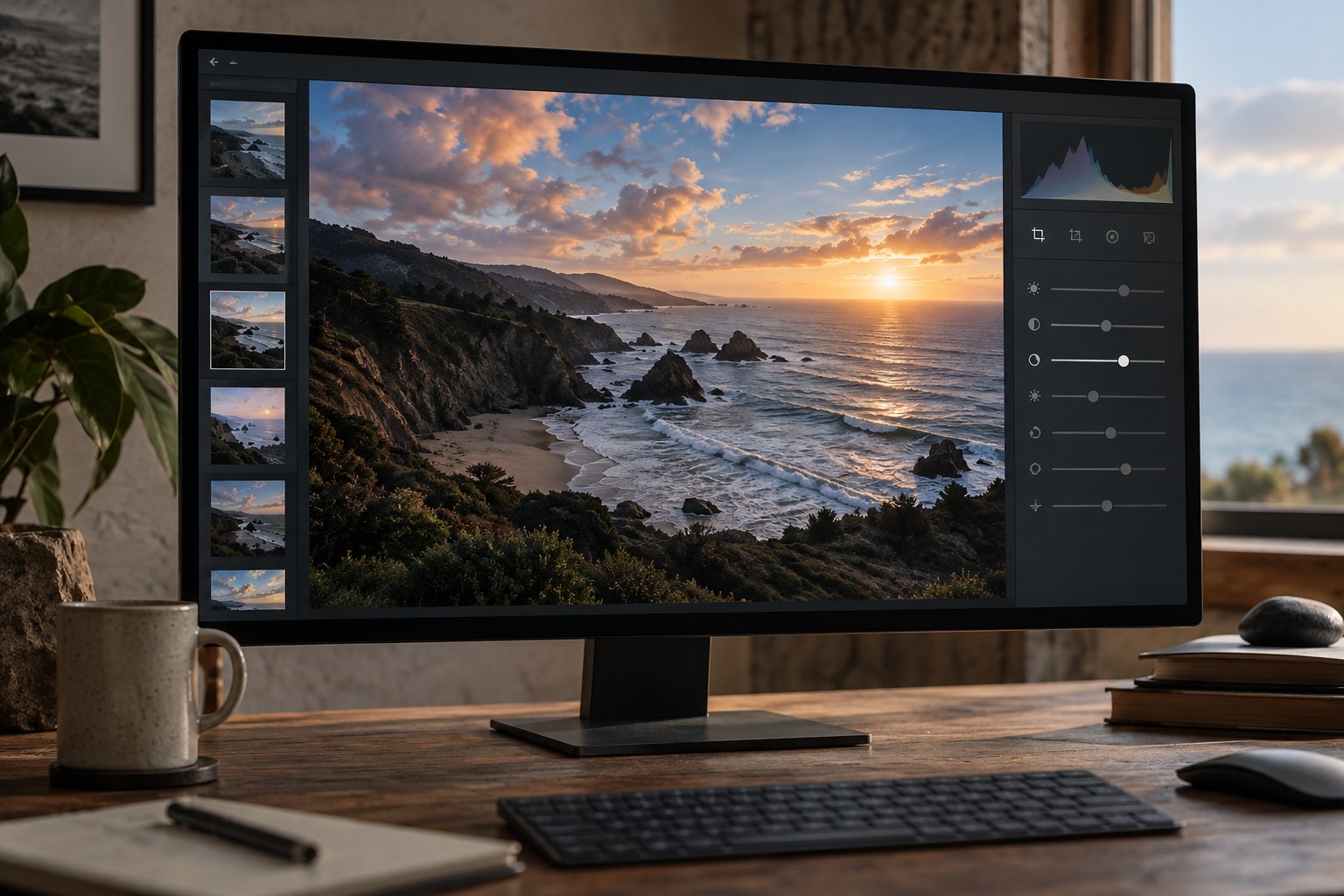
A crop can make a subject larger without making the photograph clearer. Removing space may also remove the direction of a glance, the context of an action or the distance that made a small figure interesting. Before tightening the frame, identify what the photograph is about and what surrounding information supports that idea.
Make a reversible crop or work on a copy. Preserve the original composition so that later use can restore space. A crop prepared for a square preview should not silently become the only surviving version of a photograph intended for a wide print.
Read the edges as part of the image
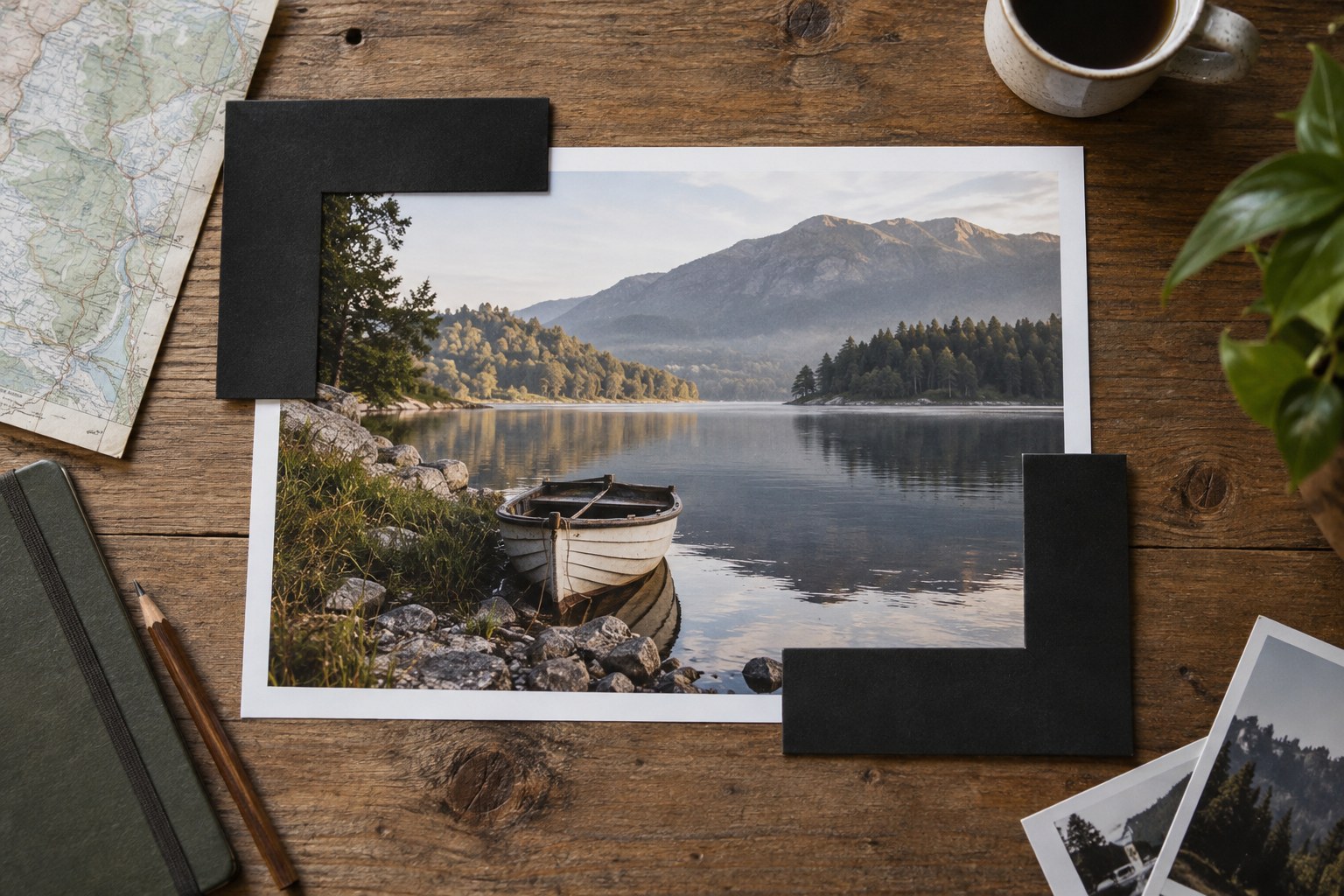
Move the crop boundary slowly and watch relationships change. A hand can become awkward when cut at a joint; a building may feel unstable if its base disappears; a person looking across a scene may need space in that direction. These are observations to test, not rigid rules that forbid every close crop.
Check corners for small fragments that attract attention. A sliver of bright clothing or half a sign can become more distracting after the main subject is enlarged. Sometimes moving the boundary outward resolves the problem better than cutting further inward. The most effective crop is not necessarily the smallest one.
Compare at the intended display size. A generous composition can look empty as a tiny thumbnail yet work well on a large page. A tight crop can seem forceful on a phone while feeling cramped in a print. Let the destination inform the decision without allowing a temporary preview format to dictate every version.
Preserve the photograph's geometry
Choose an aspect ratio deliberately. Locking a ratio can help when a frame or layout requires it, but keep an unconstrained version available if the image needs different proportions. Do not stretch the photograph to avoid a crop; that changes the geometry of faces and objects rather than simply changing the boundary.
After straightening or correcting perspective, inspect the crop again. These operations can create empty corners or remove more content than expected. Check the entire image rather than accepting the automatic boundary without review. If important material is lost, reconsider the correction strength or the intended format.
Look at the original and cropped versions side by side. Describe what improved in a concrete sentence: the subject's relationship to the doorway is clearer, or a distracting edge no longer interrupts the gesture. If the only explanation is that the subject is bigger, reconsider whether size was actually the problem.
Save the crop with a purpose label when it serves a particular output. Keep other useful interpretations separate and clearly named. Cropping is a compositional decision made after capture; it deserves the same attention to context and relationships as choosing the camera position in the first place.