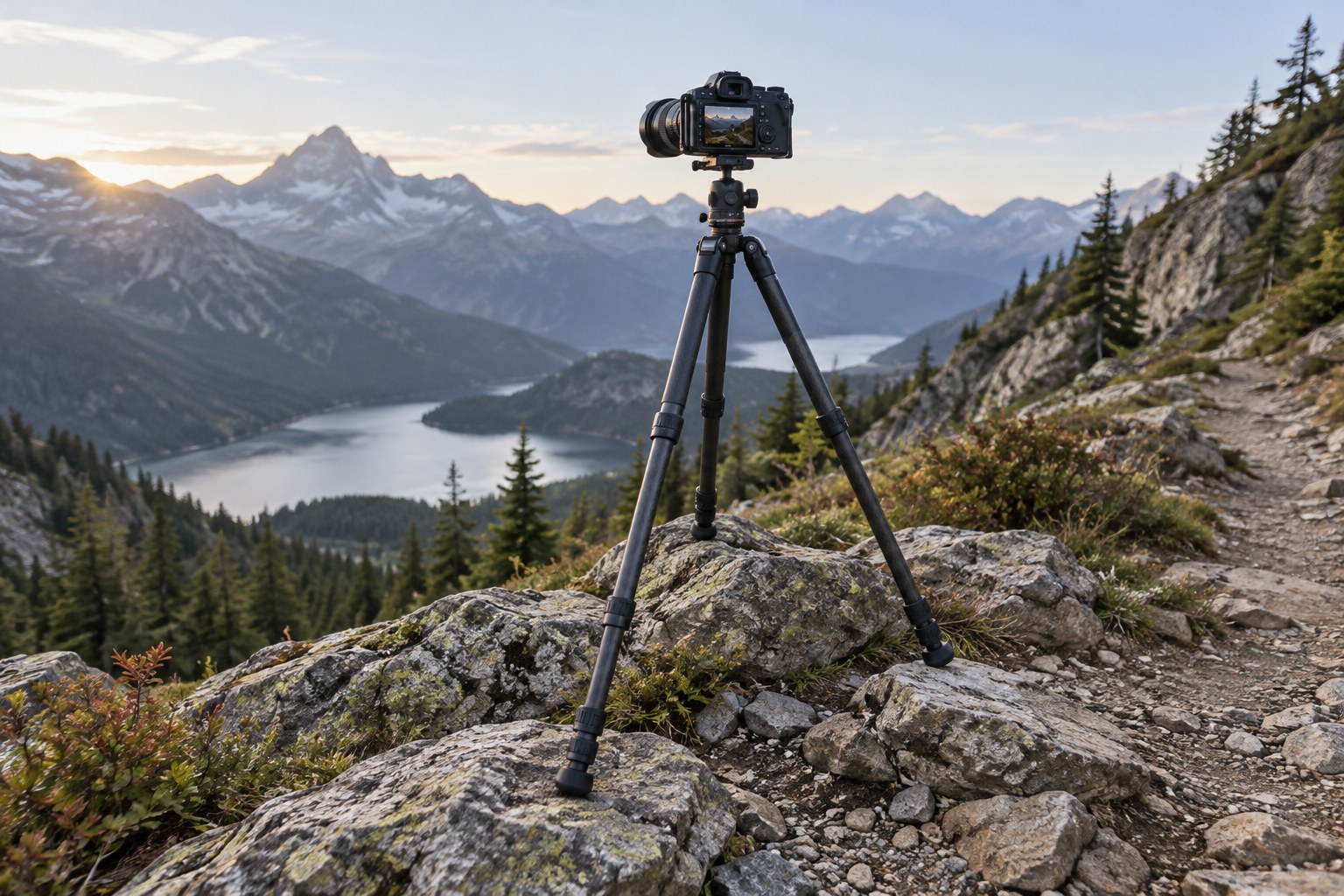
On uneven ground, the first task is to make the tripod stable, not to make all three legs the same length. Choose a position where each foot has firm contact and where the equipment cannot easily slide or tip. Avoid loose edges, unstable stones and places where a passer-by could catch a leg. A slightly less dramatic viewpoint is preferable to an insecure setup.
Spread the legs to a suitable angle and adjust their lengths to fit the ground. Keep the centre of the camera's weight inside the support area. On a slope, inspect the arrangement from the side as well as from behind the camera. A level viewfinder can hide a base that is leaning precariously.
Stability before final framing
Extend the sturdier leg sections first where the tripod design allows it, and keep the centre column low when practical. A raised column can make the setup more vulnerable to vibration. Do not compensate for a poor base by tightening the head excessively; that does not improve the feet's grip or the ground beneath them.
After placing the camera, press gently on the support to check for settling, then release it before composing. Soft soil may compress under a foot, and a stone can shift after the load is added. Check every lock and the camera plate connection. If the lens has an appropriate support collar, use it according to its instructions to improve balance.
Level the camera or head only after the base is secure. The tripod legs do not all need to look symmetrical. Frame the photograph, then make sure no leg has become partly unloaded or lifted during adjustment. Keep straps from swinging into the setup, especially in wind. Hanging a bag can sometimes introduce movement rather than remove it.
Use a remote release or self-timer and inspect a test frame for fine vibration. Wind, a flexible platform or a long lens can still soften the image. Follow the camera and lens guidance for stabilisation on a tripod. If conditions remain unstable, lower the setup, shorten the exposure or choose another position rather than repeatedly making the same blurred frame.
Before leaving, retract and carry the tripod in a way that does not swing the camera into obstacles. Clean grit or moisture from the legs according to the manufacturer's instructions. A stable photograph begins with secure contact at the ground and ends with equipment that remains safe to use next time.