A phone photo library can contain ordinary images, edited versions, short motion components, screenshots and files received from other people. Decide which of these you want to preserve and what the chosen export method actually provides. A picture saved from a messaging conversation may be smaller or carry less metadata than the original in the camera library.
Start with a limited date range and test the export. Check image dimensions, capture dates, orientation and whether motion or edited versions have separate files. Open the exported result outside the phone's usual photo application. This reveals what has been preserved as a normal file and what still depends on the original service or library.
Keep the first transfer understandable
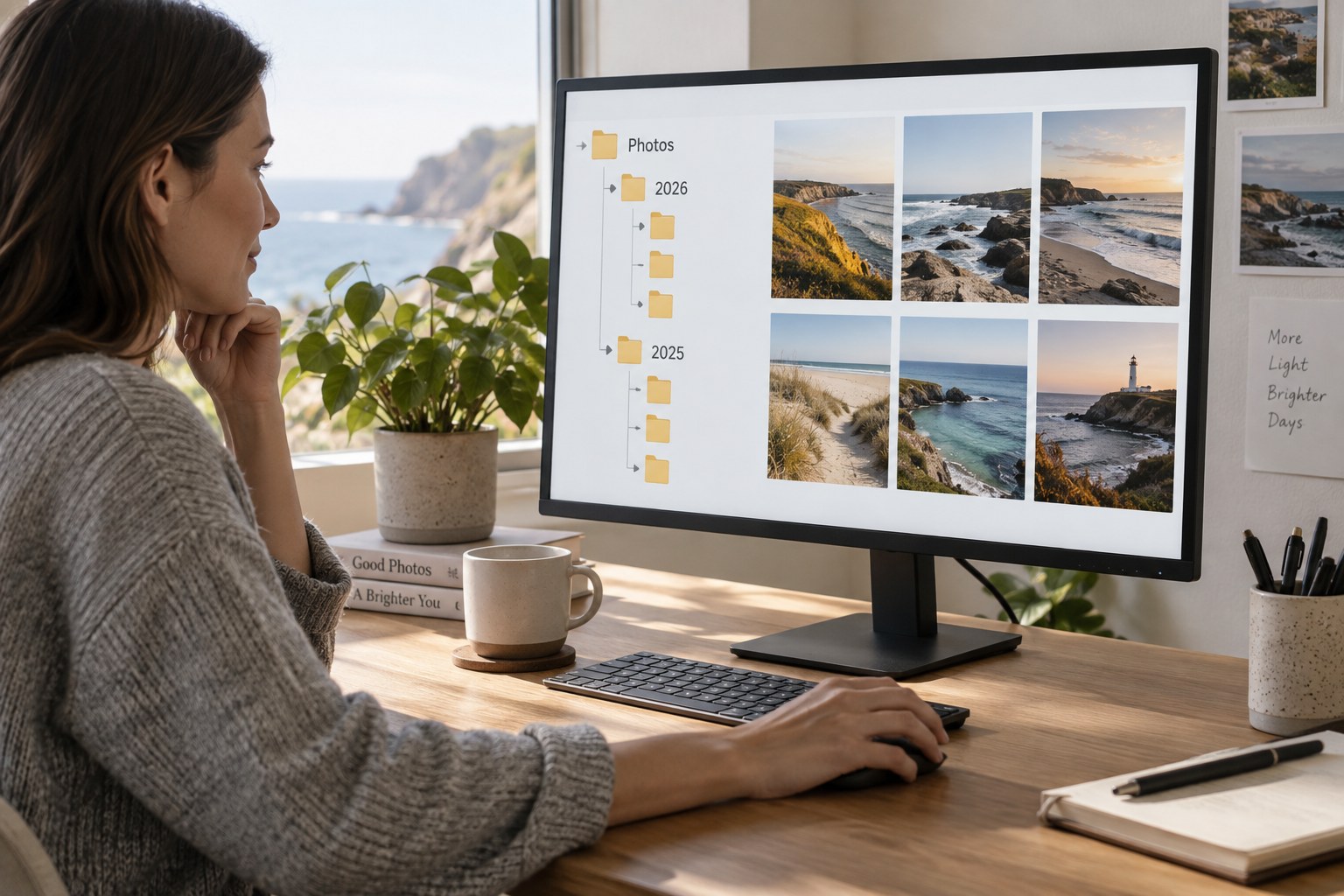
Create a destination folder with a clear source and date range. Avoid scattering the same month's photographs across several manually named folders during the first transfer. If the export uses multiple parts, record which parts completed. A count of downloaded files may not equal the number of pictures shown on the phone when some items include companions.
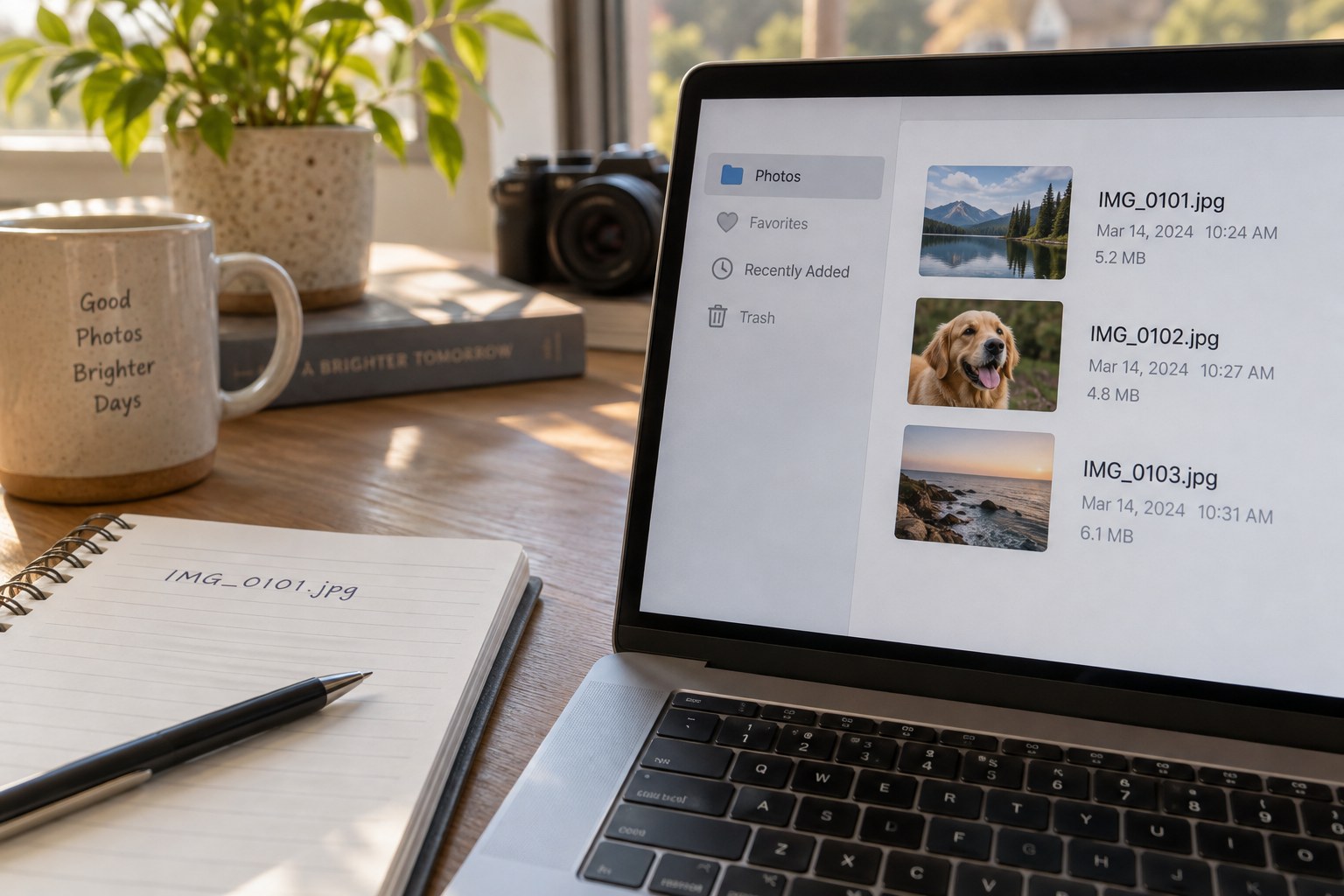
Check a few known examples: a portrait, an edited image, a screenshot and a photograph from near the start or end of the selected period. Dates can be especially confusing when a file's download time replaces its creation time in a file browser. Inspect capture metadata where available rather than assuming that the displayed filesystem date is the photographic date.
Keep the original export intact while organising a working copy or catalogue. If a renaming or sorting step behaves unexpectedly, you then have a clear point to return to. Record the export method and any choices about original versus edited files in a short note beside the folder.
Do not confuse synchronisation with a separate archive
A synchronised library can mirror deletion across devices. Understand the service's behaviour before deleting photographs on the phone in the belief that another device has an independent copy. A separate archive and its backup should be checked outside that synchronised relationship.
After transfer, include the files in the normal backup plan and test that a sample can be restored. Only then decide whether to remove anything from the phone or its service. Keep enough free space for future captures, but make storage decisions from verified copies rather than a general assumption that everything is somewhere in the cloud.
Repeat the same small process for the next date range. A predictable monthly or trip-based transfer is easier to audit than an occasional large export whose contents are unclear. The archive should retain the photographs' identity as well as their appearance.