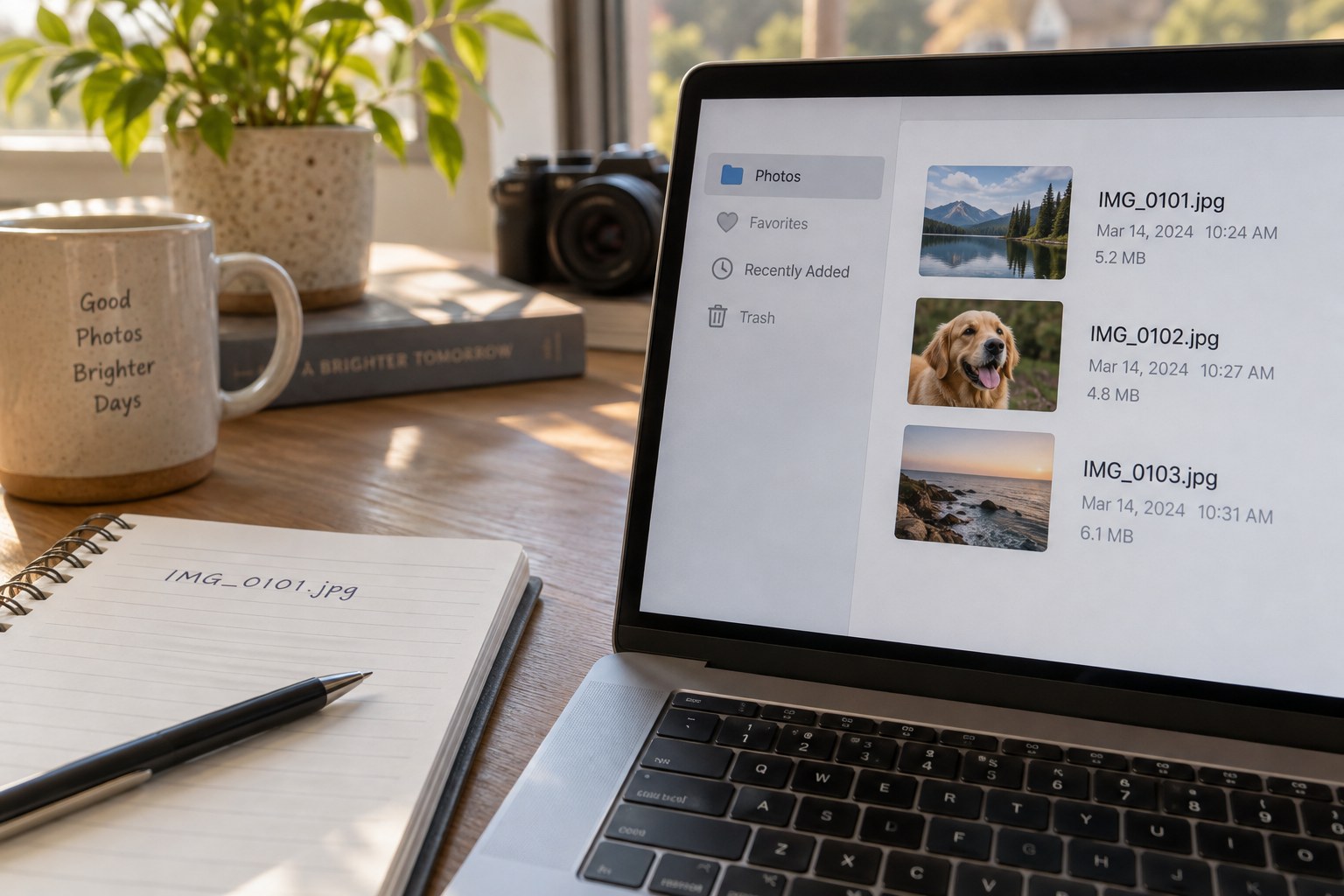
Camera filenames often repeat after enough photographs or across different cameras. A folder containing two files called IMG_0001 can therefore become ambiguous when images are gathered together. A useful naming scheme prevents collisions while keeping the file's origin understandable. It does not need to describe every visible subject, because captions and keywords are better suited to that task.
One possible pattern is capture date, camera identifier and original sequence, such as 20260418-cameraA-0421. The example is a design choice rather than a universal standard. Before adopting it, check how your software treats RAW and JPEG pairs, sidecars and exported versions. Those related files should remain recognisably connected after renaming.
Preserve identity before changing names
Keep the original filename in metadata, an import log or a mapping table if your workflow supports it. A simple table can record old name, new name and original folder. This is valuable when you later compare a backup, locate a frame mentioned in an old email or reconcile photographs from a second person. A new name without a mapping may solve sorting while creating another identification problem.
Use the editing application's rename function when it manages the library, provided that function handles associated files correctly. Renaming directly in the operating system can leave the catalog pointing to names that no longer exist. Test a small copied set first. Open the photographs afterward and confirm that ratings, edits and related files remain connected, rather than judging success from the folder listing alone.
Dates require care. A camera set to the wrong time zone may place a late-night photograph on the wrong day. A scanned image may have no known capture date at all. Do not overwrite uncertain information with a precise-looking name simply for neatness. Use a documented approximate date or an undated identifier, and keep the uncertainty visible in a note.
When the camera counter starts again
Imagine importing a second card after the camera has restarted its numbering. The date prefix may still be the same if both cards were used on one day. A camera identifier alone does not prevent that collision. Retain a unique import or sequence component and test the proposed names before committing them. Do not resolve the conflict by adding arbitrary spaces or punctuation that will be difficult to recognise later.
If another person has already selected pictures using the original filenames, send or retain a mapping with the renamed set. A reference to frame 0421 should still lead to one identifiable photograph. For a collaborative project, agree on the naming point in the workflow: before selection, after delivery or only for exported copies. Repeated renaming at each handover creates unnecessary translation work and increases the chance that comments or edit instructions become attached to the wrong image.
Separate source identity from output purpose
An export can retain the source identifier and add a clear suffix, such as web or print, when several derivatives need to coexist. Avoid chains such as final-final-new that do not explain the difference. If revisions matter, use a controlled version number and record what changed. The source identifier should stay stable while the output's purpose changes around it.
Check for collisions before running a batch rename. Two cameras may share both a date and a sequence number, and some systems treat names differing only by letter case as equivalent. Use ordinary characters supported by the systems you need, and avoid building excessively long paths. Review a proposed rename list if the application provides one.
After the operation, compare file counts, open samples from the beginning and end, and check one RAW-plus-JPEG pair with its sidecars if applicable. Keep the pre-rename backup until the new arrangement has been used successfully and backed up again. The goal is traceable identity, not a cosmetic transformation that makes yesterday's references impossible to follow.