Before importing, identify which card you have and whether any part of it was copied earlier. A card can contain several outings, and a previous import may have stopped halfway. Record the destination folder and the date range you intend to transfer. This small amount of context is more reliable than relying on a vague memory that the card was probably already done.
Choose a permanent destination and inspect the import preview. Confirm that you are copying from the card rather than adding references to files that will disappear when the card is removed. Review any option that skips suspected duplicates. Such detection depends on the software's comparison method and may not recognise renamed files or may flag files you still need to examine.
Distinguish a duplicate from a companion
A RAW and JPEG with the same base name are normally different files, not interchangeable duplicates. A sidecar may hold metadata or editing instructions. A burst contains similar pictures with different expressions or moments. Decide what you intend to preserve before allowing a cleanup tool to remove anything. Visual similarity alone is not a safe basis for deleting source files.
If the destination already contains a file with the same name, stop and compare its origin, size and content. A second camera or a reset numbering sequence can produce a different photograph with that name. Do not select overwrite simply to continue the import. Use a separate temporary folder or a controlled naming rule until the conflict is understood.
For a partially imported card, copy the remaining material to a clearly labelled staging folder if the software cannot resume confidently. Compare it with the previous destination using a method appropriate to the files. Exact-byte checksums can confirm identical files, but a metadata change can make two copies differ even when the image content is the same. Keep both until you understand the difference.
An interrupted import example
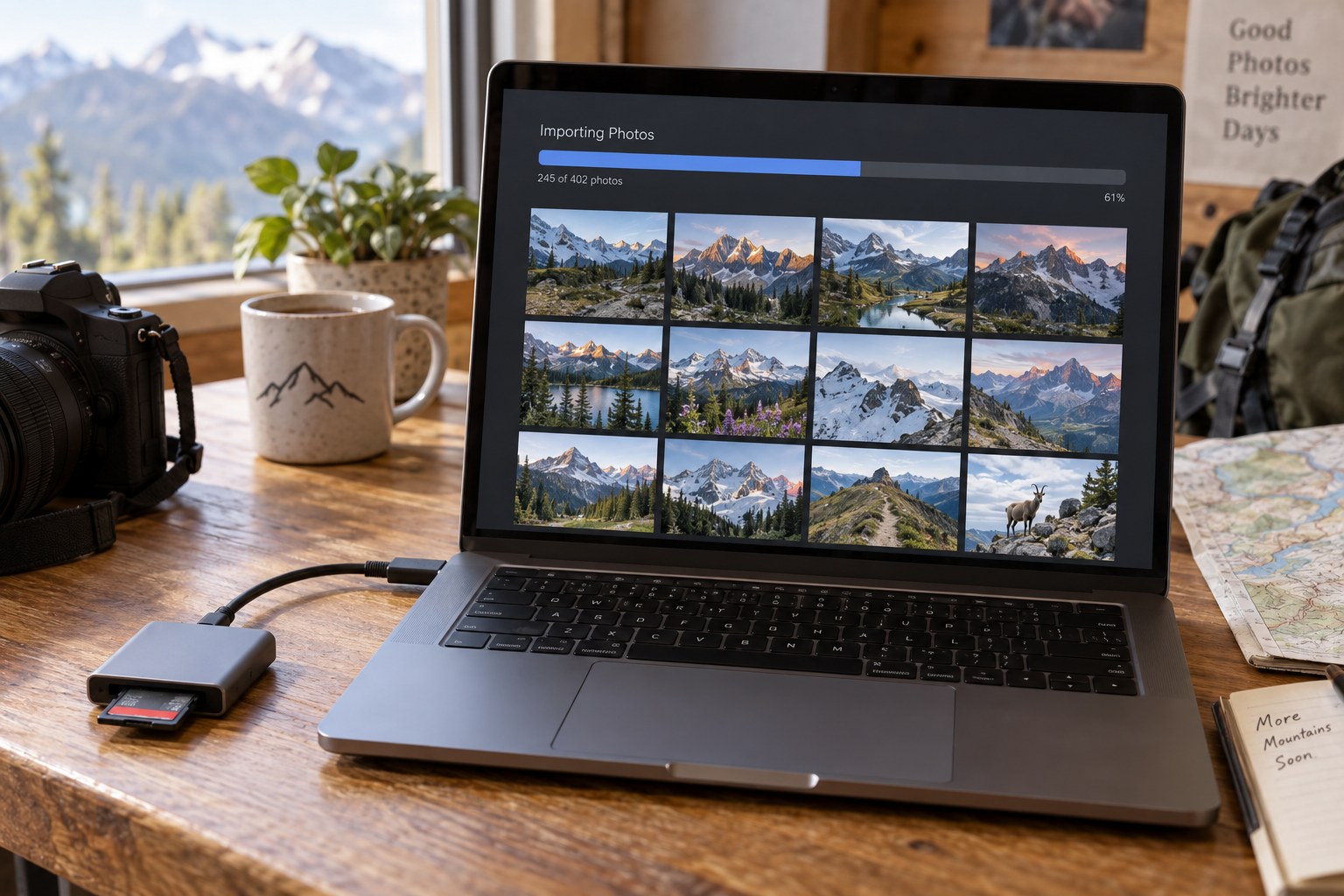
Suppose a card contains four hundred files and an import stops after two hundred and sixty. The remaining count alone does not tell you which files are complete, because transfer order may differ from filename order and the final file may be partial. Keep the card intact, inspect the import log if available and resume using a verified method. If you start again in a staging folder, retain both destinations until the comparison is finished.
Do not judge a duplicate by creation date alone. Copying utilities and metadata tools can alter timestamps, while two genuinely different photographs can share a timestamp if captured rapidly. A combination of source identity, file size and content comparison is more useful. After resolving the interruption, record the final destination once and retire the staging folder only when its contents have been accounted for. Leaving two unlabelled partial imports creates the same uncertainty for the next session.
Close the transfer deliberately
After copying, compare the expected and received counts, including companion formats you chose to keep. Open representative files at full size from the destination. Check a file near the beginning and end of the transfer, and any unusually large file. If available, use a verified-copy process to reduce reliance on spot checks alone.
Make the required separate backup and record that the card's contents have been imported and verified. A note on the card wallet or a small import log can prevent the next session from starting with uncertainty. Do not erase the card merely because thumbnails appear in the catalog; previews do not establish that the originals are safely stored elsewhere.
If duplicates are discovered later, resolve them in a separate maintenance session with a backup in place. Keep the import task focused on preserving and identifying the incoming photographs. Combining import, large-scale renaming, deduplication and deletion in one hurried operation makes it difficult to recover from a mistaken assumption. A repeatable end point—files verified, backup checked, card status recorded—is more useful than a clever automatic rule whose behaviour you have never tested.