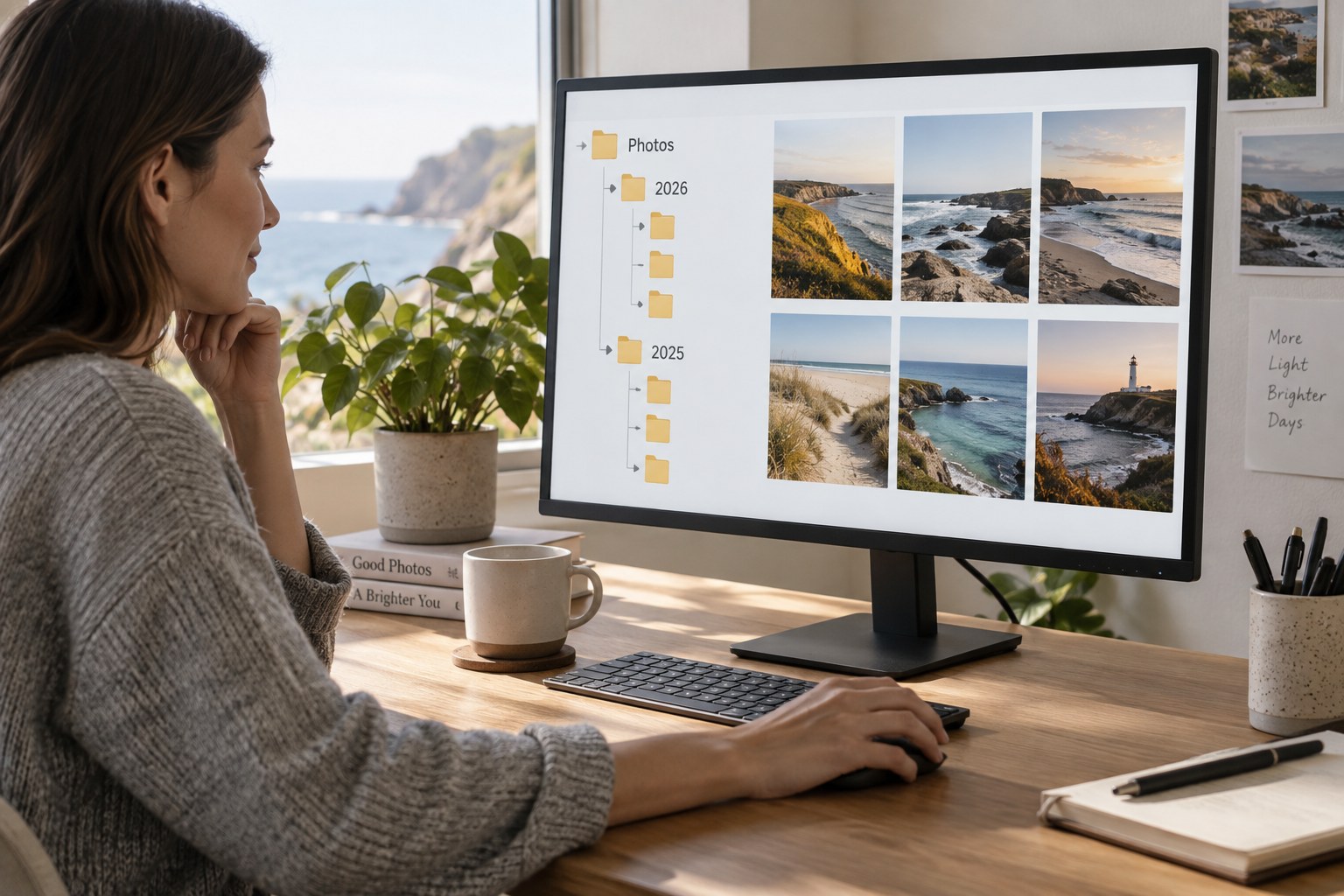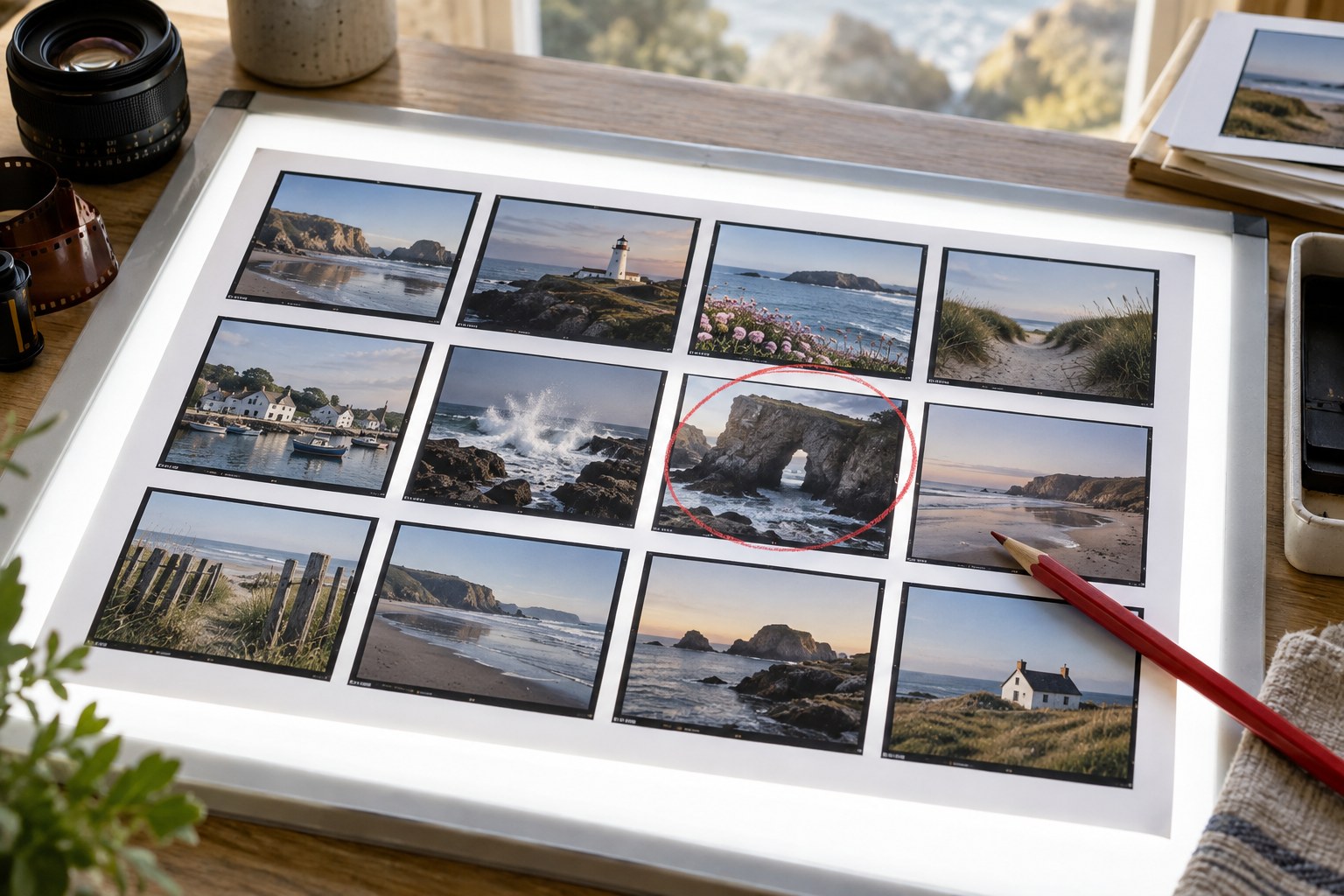
A contact sheet puts several photographs into one view. It is useful for selecting a sequence because no single image fills the screen and demands all the attention. The sheet shows repeated shapes, similar colours, weak transitions and pictures that may be doing the same job. It is a comparison tool, not a replacement for inspecting the final choices individually.
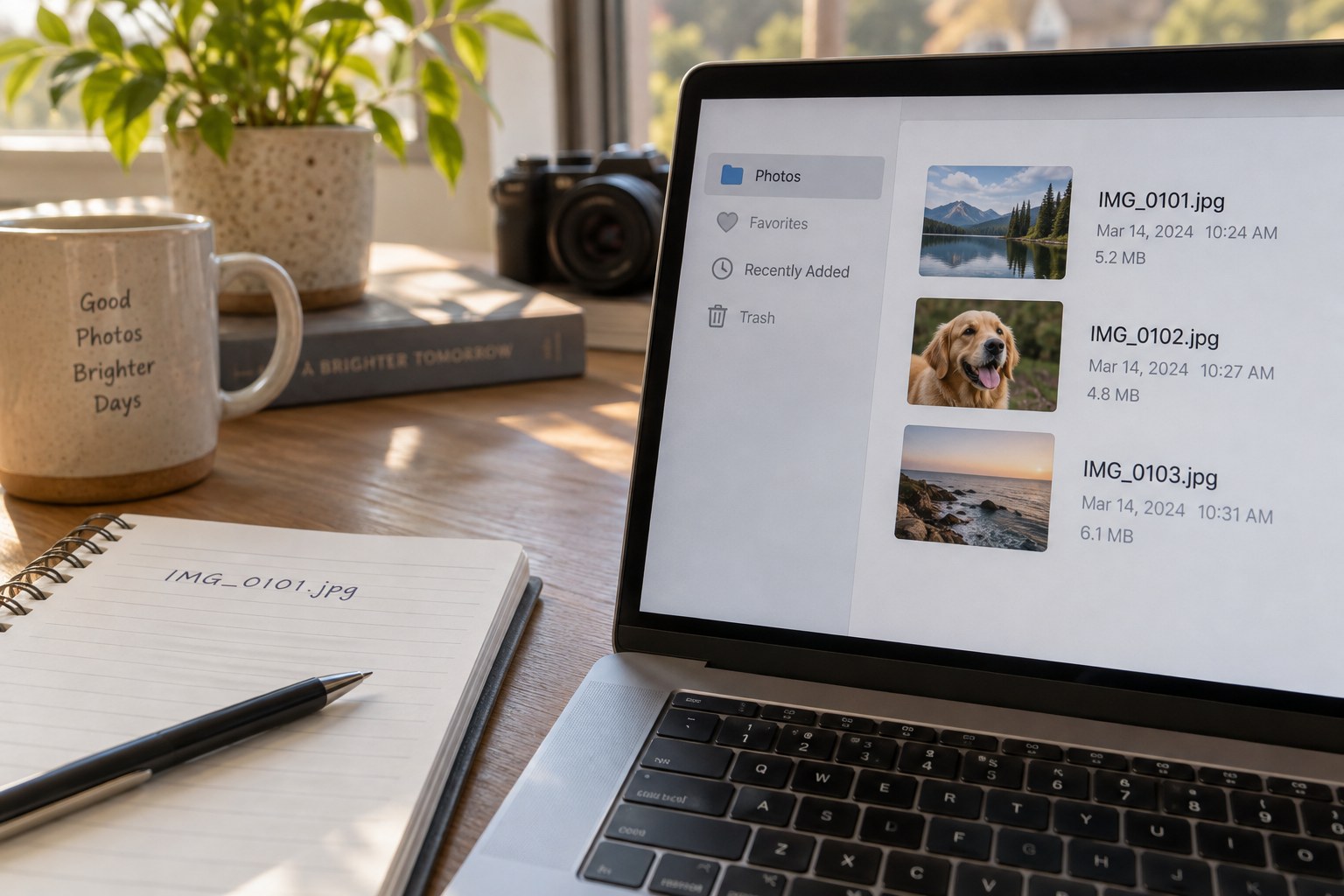
Start with a purposeful set. A contact sheet of every photograph from several years can become too dense to read. Choose a project, date range or preliminary shortlist and include filenames or another stable identifier. Without labels, a promising small image can be difficult to locate later in the archive.
Keep the comparison fair
Use thumbnail sizes large enough to distinguish expressions and framing, but small enough that several images remain visible together. Keep consistent image boxes without stretching photographs to fill them. A portrait image may occupy less width than a landscape image; that is preferable to altering its proportions.
Choose a plain background and restrained labels. Decorative borders and large captions can influence the selection more than expected. If the purpose is judging colour relationships, avoid placing each image on a different coloured surround. Keep the sheet itself visually quiet so the photographs provide the variation.
Begin in capture order if it helps reconstruct the event, then make a second sheet in a proposed sequence. These views answer different questions. The first shows how the material was gathered; the second tests how it might be presented. Do not mistake chronological order for the only legitimate structure.
Mark candidates without permanently excluding alternatives. A small symbol for keep, compare or uncertain is enough. Write a reason when it will matter later, such as “same role as frame 24” or “needed to establish location.” Reasons are more useful than an unexplained accumulation of stars.
Return to the full files
Open shortlisted photographs at a larger size before finalising. A thumbnail can hide missed focus, a distracting edge or an awkward expression. It can also make a subtly detailed image look empty. Check the intended use rather than rejecting it only because it did not shout from the grid.
Save the contact sheet with the project date and selection purpose. If you annotate a printed sheet, photograph or scan the notes and keep them with the file list. The sheet then records a decision process that can be understood later, rather than becoming another unlabelled image in the archive.