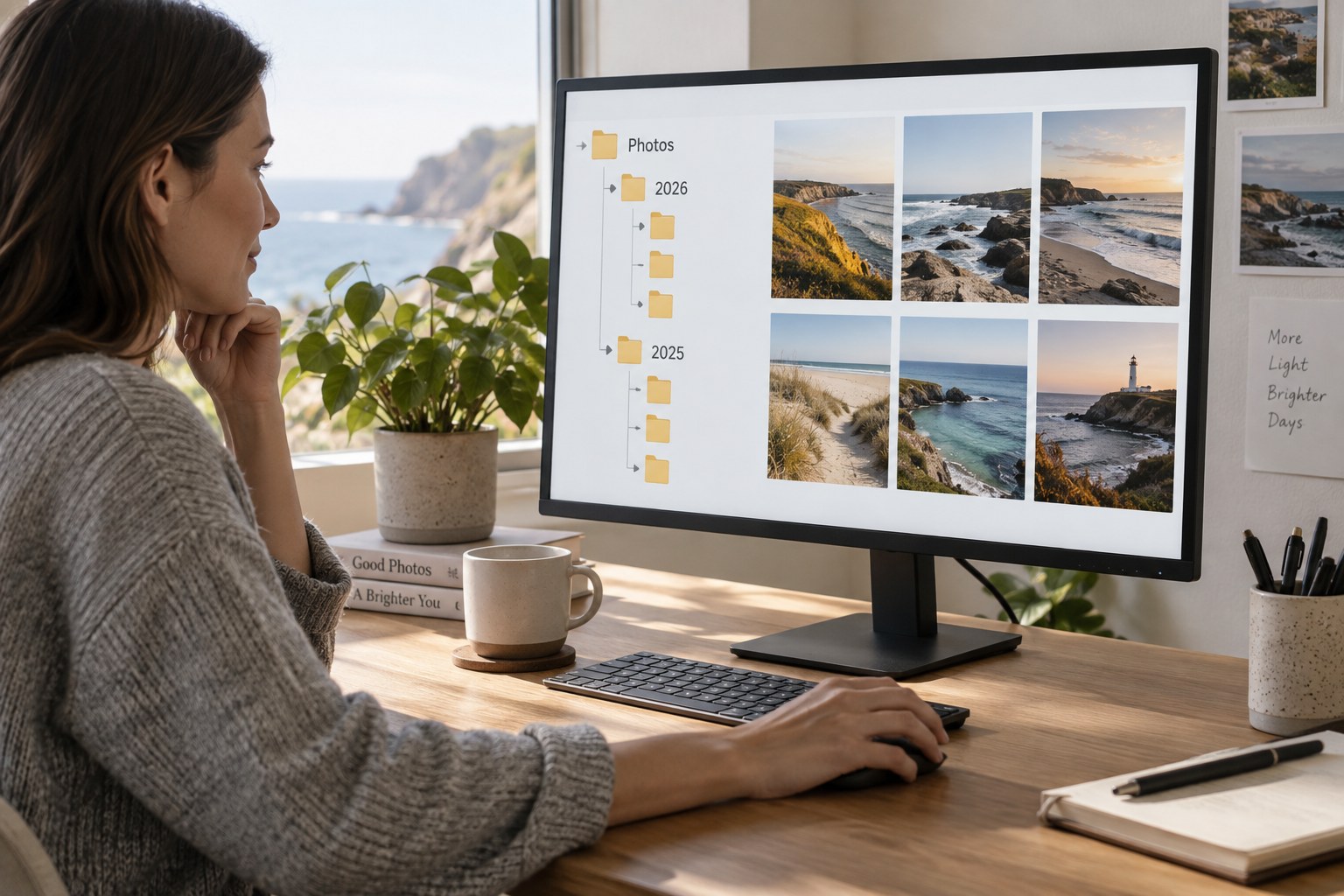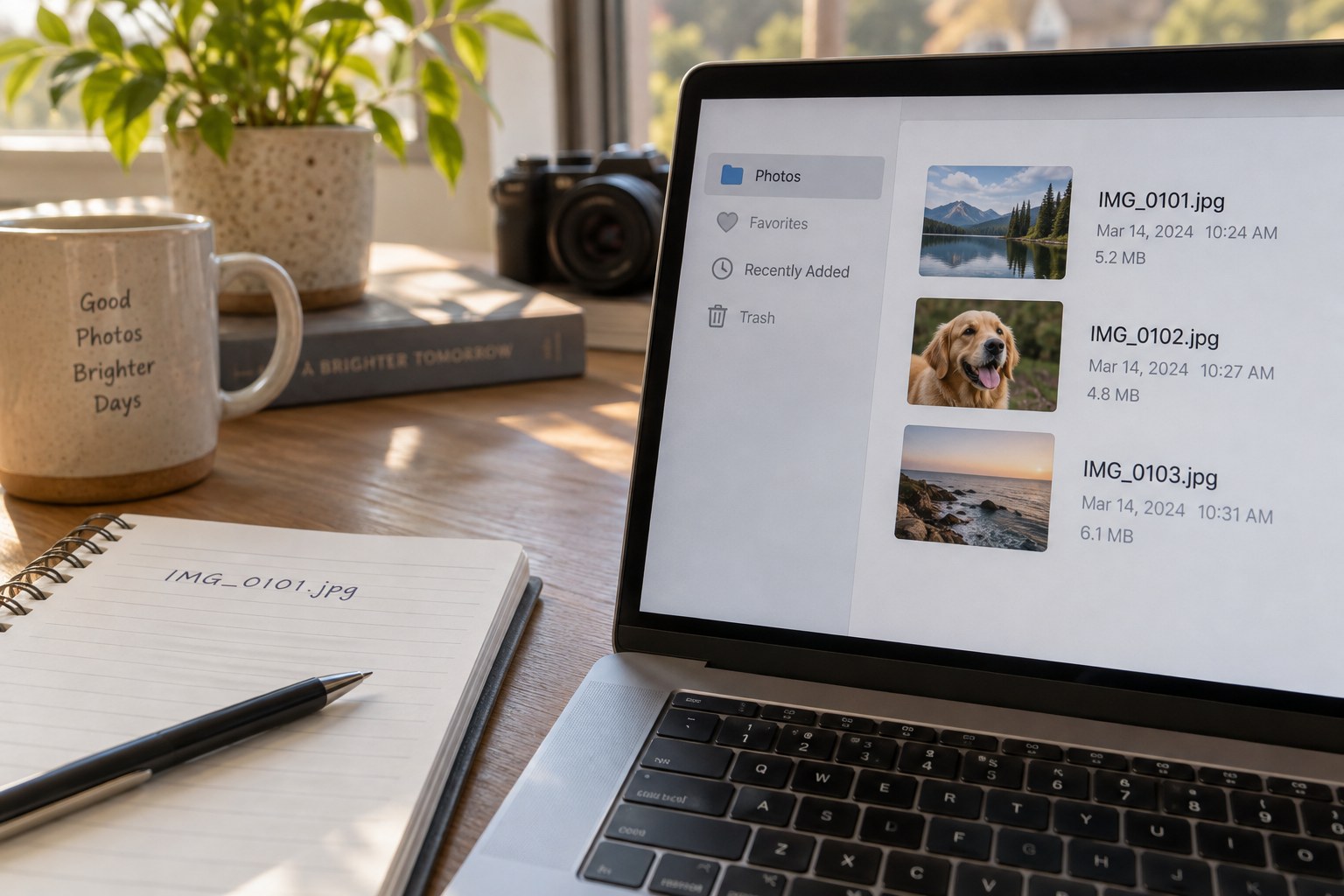
Two files showing the same scene are not necessarily duplicates in the sense that matters to an archive. One may be the original RAW file, another a finished JPEG, a third a different crop and a fourth an identical copy stored as a backup. A duplicate search that ignores these roles can turn a tidy-looking folder into an incomplete project.
Begin by defining the question. Are you trying to remove repeated imports from a working folder, identify identical files spread across several folders or find near-identical photographs from a burst? These are different tasks. Keep backup locations out of a cleanup search unless you deliberately intend to audit the backup itself. An extra copy on another device may be doing exactly what it should.
Start with exact duplicates
A file hash can identify byte-identical content even when filenames differ. Matching names alone are not enough: cameras can reuse numbering, and two unrelated files may both be called IMG_0001. Conversely, a metadata change can make two visually identical image files have different hashes. Exact matching is a narrow technical comparison, not a complete account of photographic meaning.
Review each proposed group with its folder paths visible. Ask which copy is connected to the active catalogue, sidecar file or project. A duplicate in an old import folder might be disposable, while the same bytes at a path referenced by editing software may be essential to the current organisation. Deleting the latter can create missing-file errors even if another copy survives elsewhere.
Move candidates to a temporary review folder or use a reversible quarantine process supported by the software. Do not immediately empty the recycle bin. Keep a record of the original paths so that a mistaken move can be reversed. Before doing this, confirm that the archive has a separate, usable backup; a quarantine on the same failing drive is not one.
Review similar images as editorial choices
Perceptual matching can group images that look alike, but it cannot decide which expression, crop or retouch matters. Compare the files at a useful size and inspect their dimensions and formats. A low-resolution preview should not displace the master simply because both show the same picture. A black-and-white interpretation is not an accidental duplicate of the colour version.
Check whether exported files are the only surviving record of an earlier edit. If the editing project has been lost, a finished JPEG may retain something the RAW file alone does not. Preserve that distinction in the filename or notes instead of treating the smaller file as automatically expendable.
After the proposed cleanup, open representative projects and photographs in the usual application. Confirm that edits, collections and links still work. Compare the file count with the action log, but do not use a smaller count as proof that the archive improved. The successful outcome is less accidental duplication without losing meaningful versions or breaking the paths used to reach them.