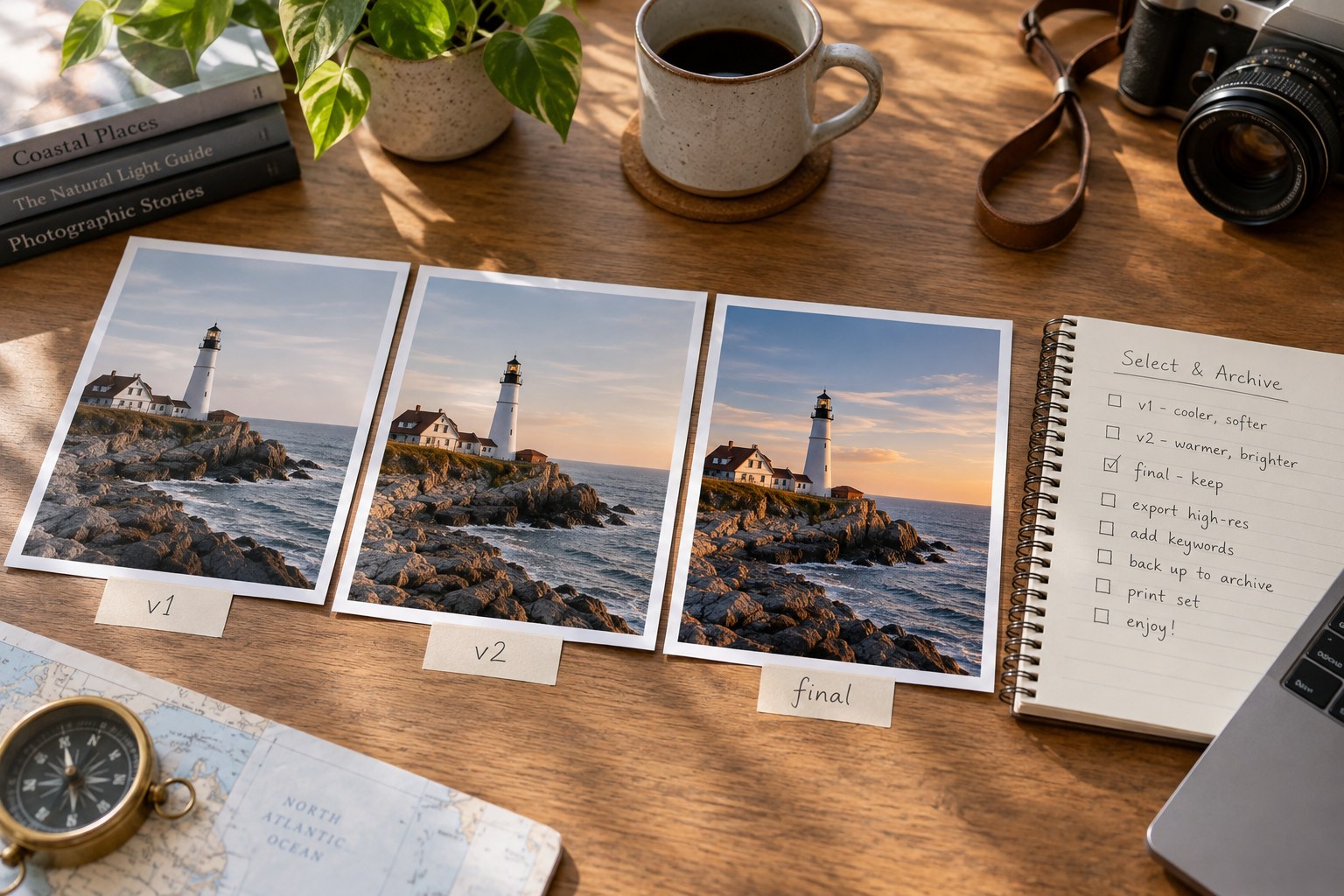
An edited photograph can produce a colour version, a black-and-white version, a tight crop, a web JPEG and a large print file. These are not all the same kind of variation. The first three change the image's interpretation; the last two may simply deliver one interpretation to different destinations. Naming every file final makes that distinction disappear.
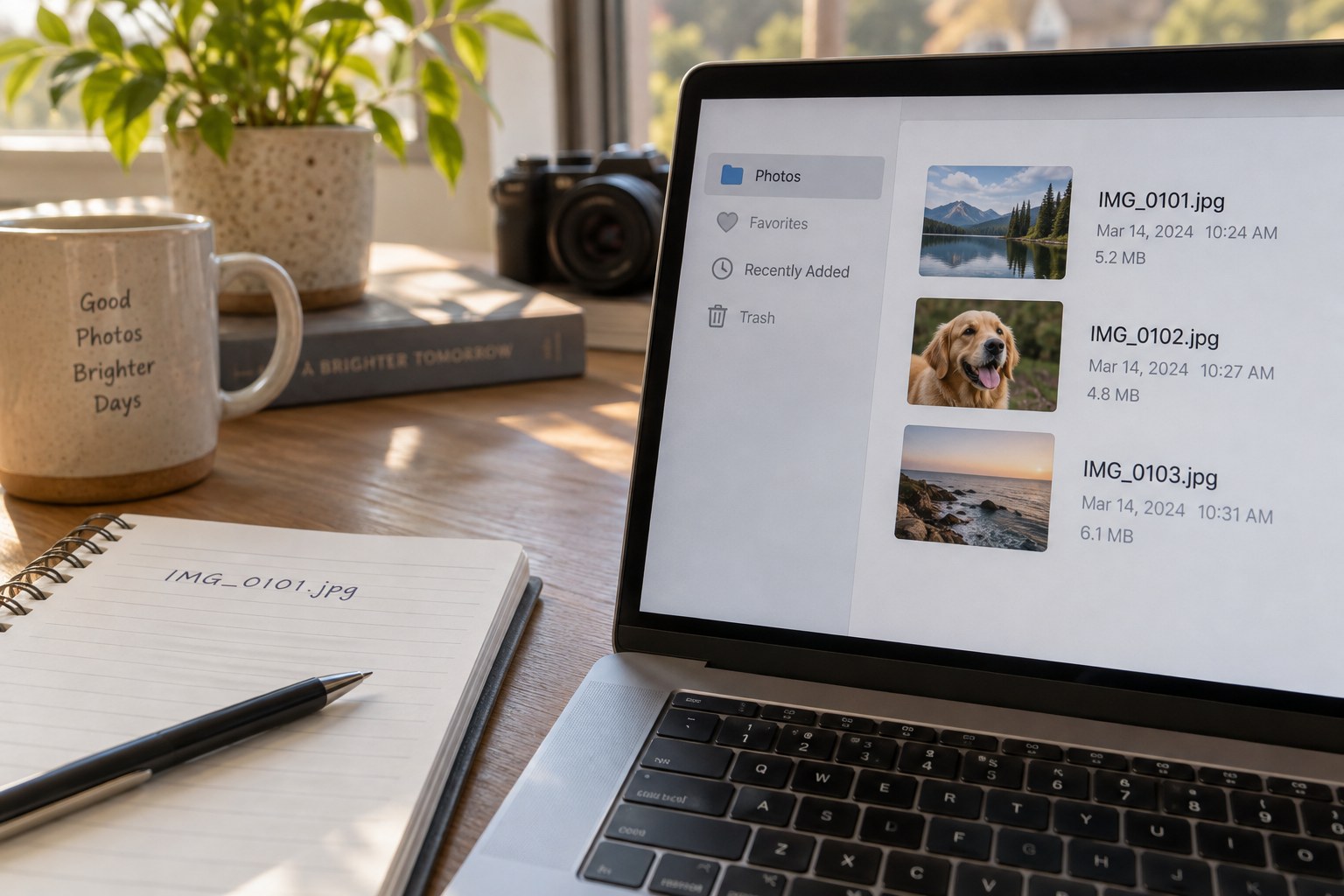
Choose one stable image identifier that survives editing. It can come from the original filename or an archive naming system. Add a short version label only when the creative treatment changes. Add destination information to exported copies rather than renaming the original every time a different size is needed.
Separate decisions from outputs
For example, one photograph might have a colour-wide interpretation and a monochrome-square interpretation. Each can then have a gallery and a print export. Keeping these two layers visible makes it clear that the small gallery file is not a new creative version and that the square crop should not be used merely because it is the most recent file.
Do not encode every slider value in the filename. Retain the editing project, catalogue or supported sidecar information for that detail. A filename should identify the photograph and its role; it cannot replace the actual instructions needed to reproduce the edit. Confirm how the application stores virtual copies or alternate versions before assuming they exist as separate image files.
Keep a brief note when a version answers a specific request, such as more space for a caption or a crop for a particular frame. That purpose explains why the version exists. Without it, an apparently unusual crop may be “corrected” later and lose the reason it was made.
Control the export folder
Use separate destination folders for deliveries where practical. A website export folder can contain only the files intended for that gallery, while print files live with their order notes. This is easier to inspect than a single directory containing originals, drafts and every historical export.
Before overwriting an existing output, check whether another person or project relies on it. A stable filename can be useful for a web update, but a dated delivery may need to remain unchanged as a record. Choose an overwrite policy deliberately rather than clicking through the same warning automatically.
Open two uncertain versions side by side and identify the actual difference. If there is none and the files serve no distinct role, one may be an accidental duplicate. If the difference is meaningful, label it before the context is forgotten. Do not let file modification time become the only explanation of which version matters.
At the end of a project, identify the accepted interpretation and retain the materials needed to reproduce it. Keep useful alternatives in a clearly marked place, but separate abandoned experiments from current outputs. The system should allow you to answer three questions quickly: which original is this, what changed creatively and where was this particular file meant to go?
A small version map
Consider a photograph supplied first to a gallery and later for a square album page. The gallery uses the accepted wide colour edit. The album needs a new crop but the same colour treatment. Record the square interpretation as a new creative version, then export its album file. Keep the gallery output unchanged unless the gallery itself is being updated. This avoids the common situation in which the newest export is mistaken for the newest approved interpretation everywhere.
A simple note can list the original identifier, the two interpretation labels and their destinations. If a later colour correction should affect both, revisit each deliberately and inspect its crop. Copying settings between versions may transfer more than intended, depending on the application. Check which adjustments are included before synchronising them. The version map helps you decide which relationship should be preserved instead of assuming every file with the same subject must always change together.