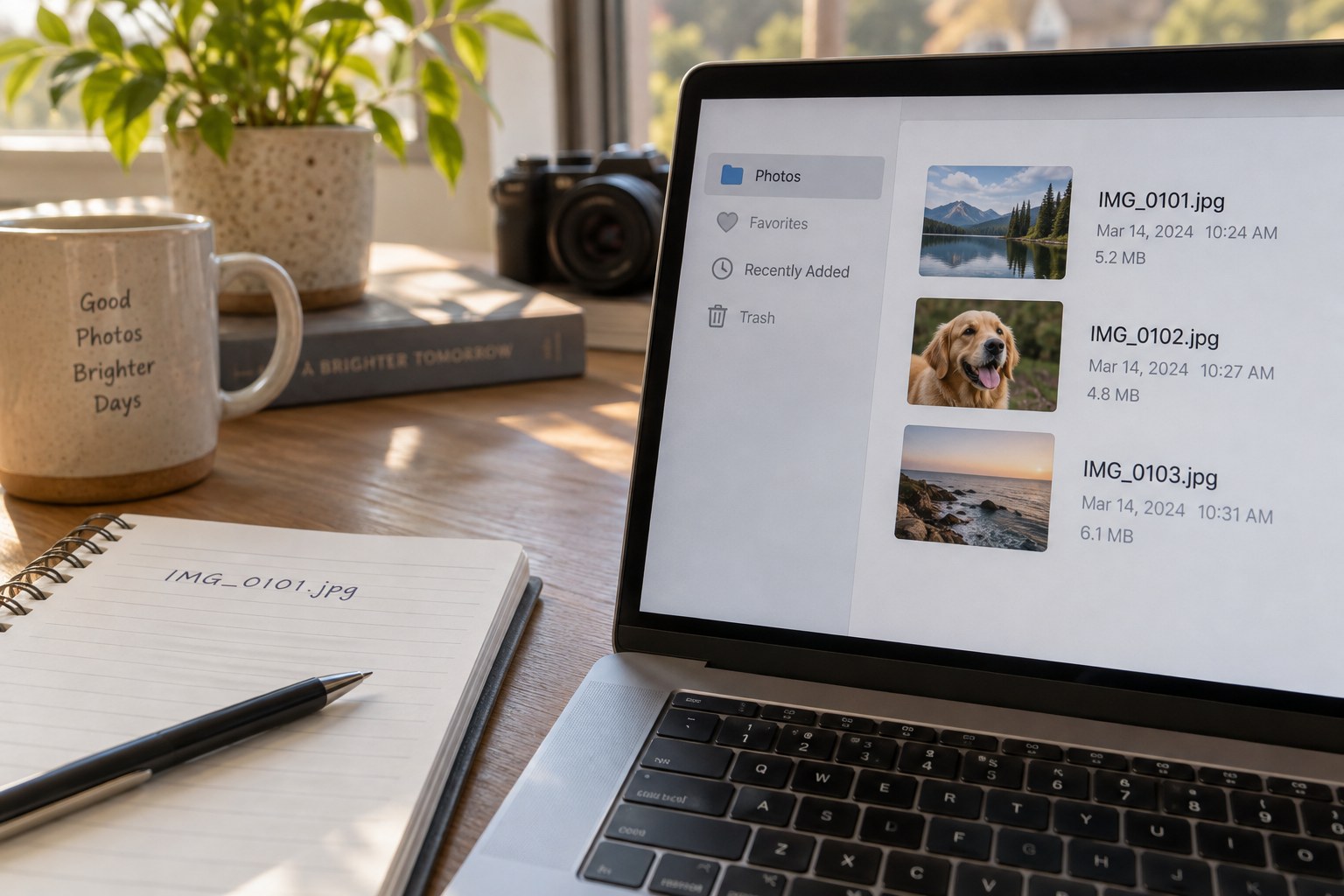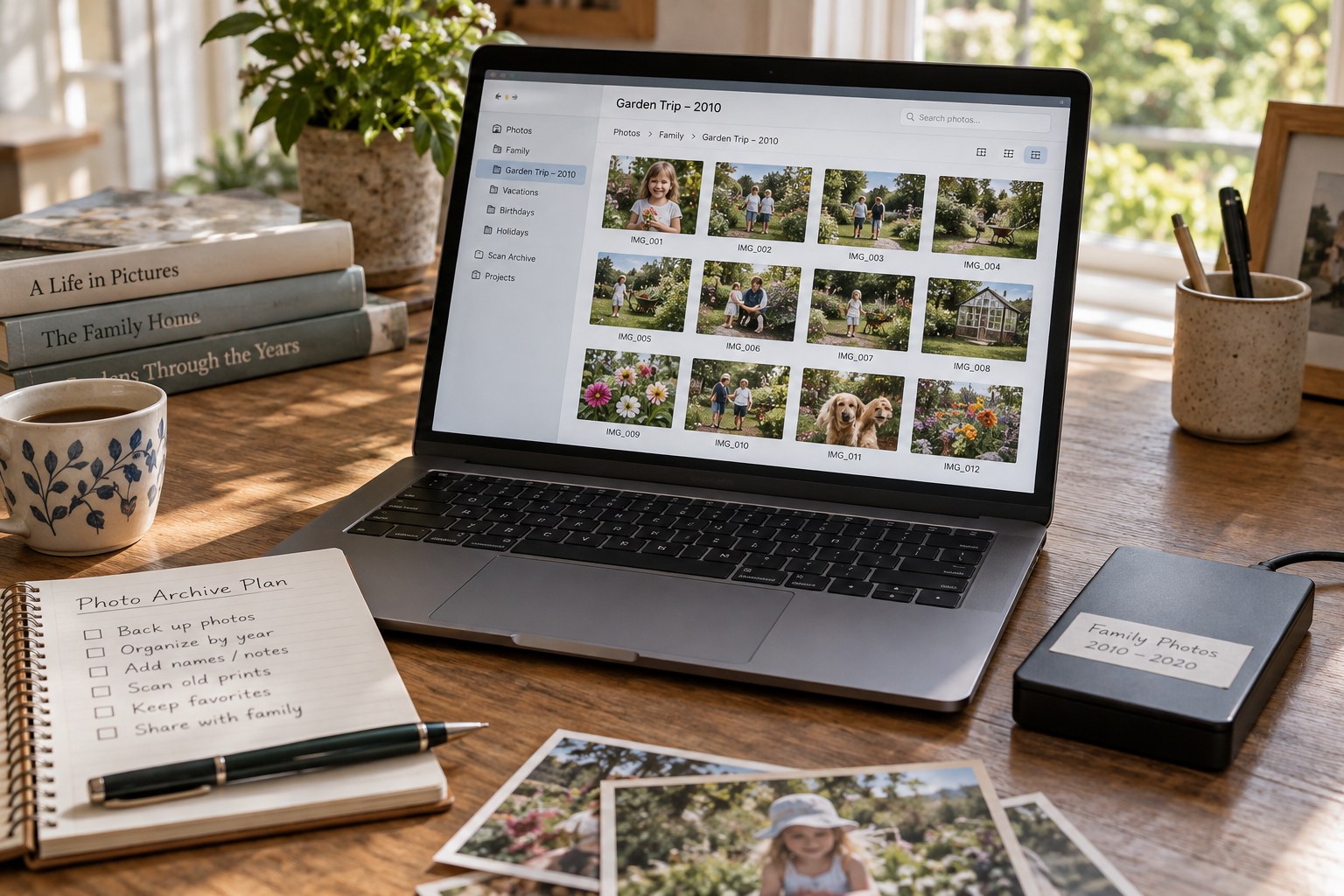
An old photo folder often reflects several past habits at once. Some images have descriptive names, others retain camera numbers, and exported copies may sit beside originals. Renaming everything immediately can erase useful clues. Begin with observation and a backup, not a new naming scheme.
Make a short inventory: approximate date range, file types, subfolders and any project or catalogue files. Note obvious groups without moving them. If the folder contains sidecars or unfamiliar small files, identify their role before treating them as clutter. They may carry edits or metadata that the image file alone does not preserve.
Open representative photographs from the beginning, middle and end of the collection. Include different formats and unusually large or small files. A folder that displays thumbnails may still contain missing or damaged originals. Record problems in a separate note rather than making uncertain repairs while exploring.
Improve access before changing structure
Create a simple index describing the existing groups. A line such as “2014 trip, originals in camera folders, selected JPEGs in album-export” can make a confusing directory usable without altering any paths. If an editing application already references those paths, this restraint avoids breaking the library during a preliminary review.
Identify one practical problem to solve first. Perhaps the folder needs a clearer top-level name, a list of dates or a separate place for finished exports. Make the smallest change that addresses that problem. Keep a record of moved or renamed items and use the application's supported relocation tools where required.
Do not combine duplicate cleanup, format conversion and folder restructuring into one operation. If something disappears or looks different afterwards, separating those tasks makes the cause easier to establish. Exact duplicate files and visually similar versions also need different review methods.
Leave uncertain material in a clearly labelled review area rather than deleting it to make the folder look tidy. Add a note explaining the uncertainty, such as an unknown export purpose or an unidentified project file. Future knowledge may resolve it quickly.
Finish with a brief description of the current state and the next useful step. Include the folder in the normal backup process. A successful first review may leave most files where they were, while making the collection far easier to understand. Complete rebuilding is justified only when its benefit exceeds the risk and effort of changing a working history.