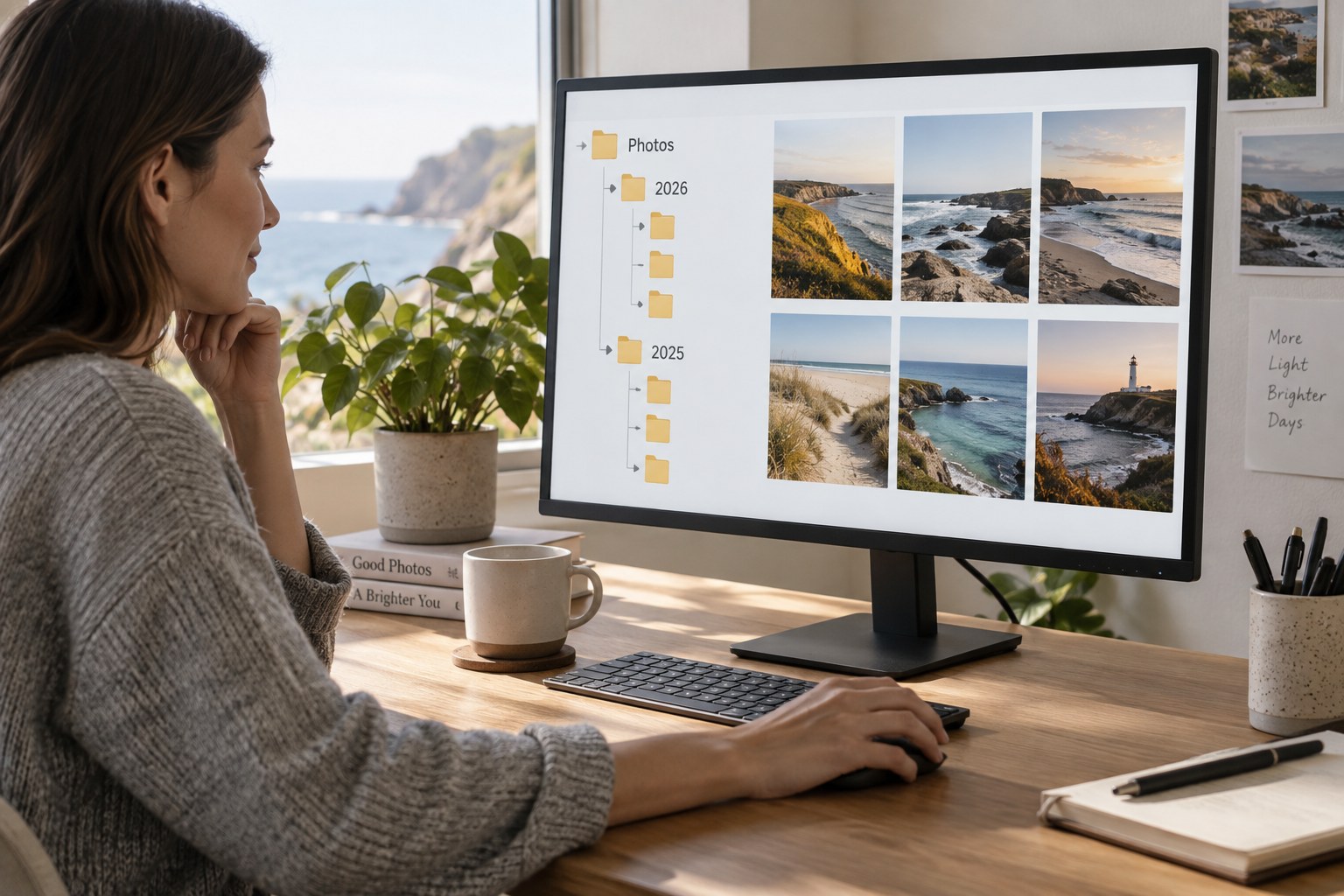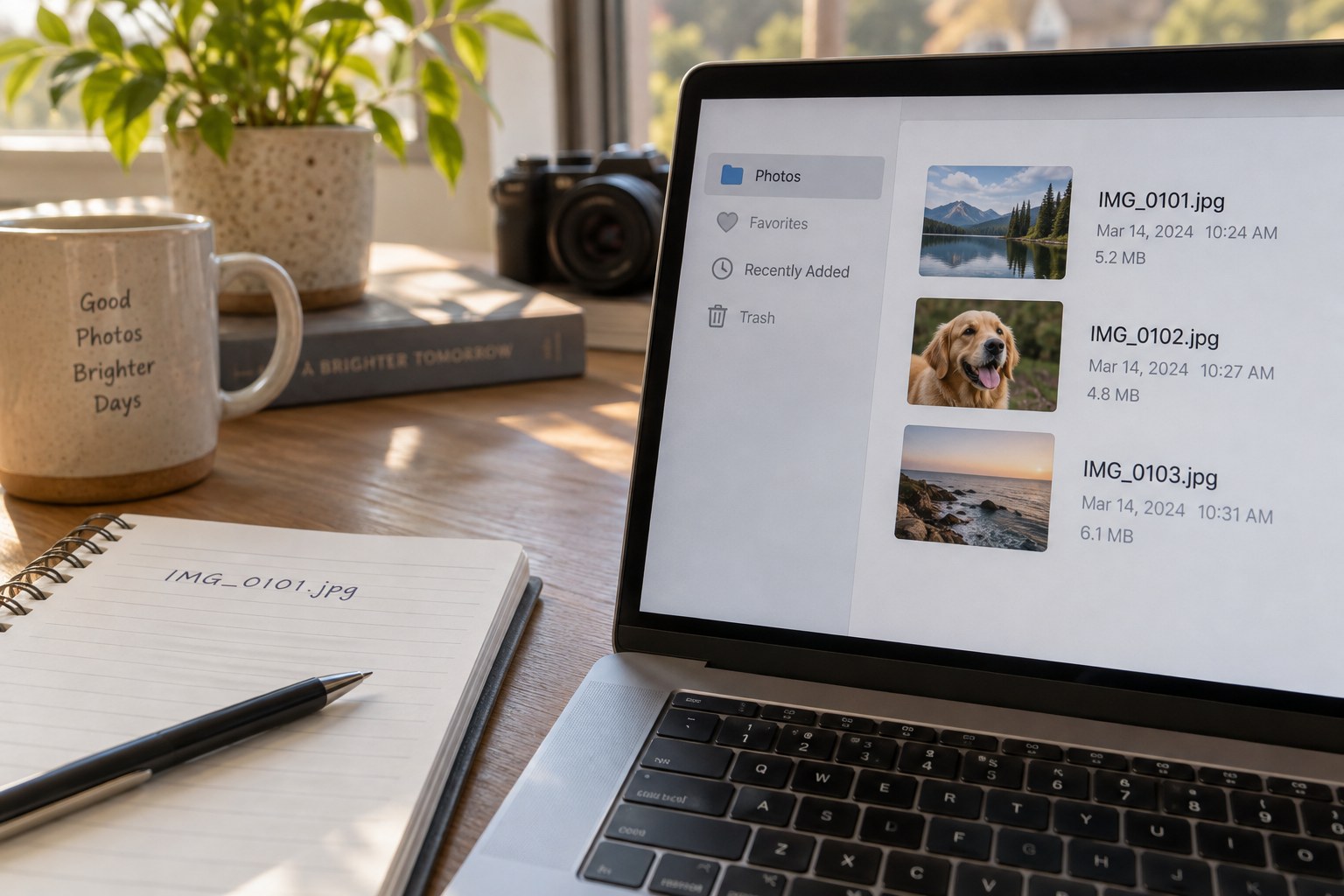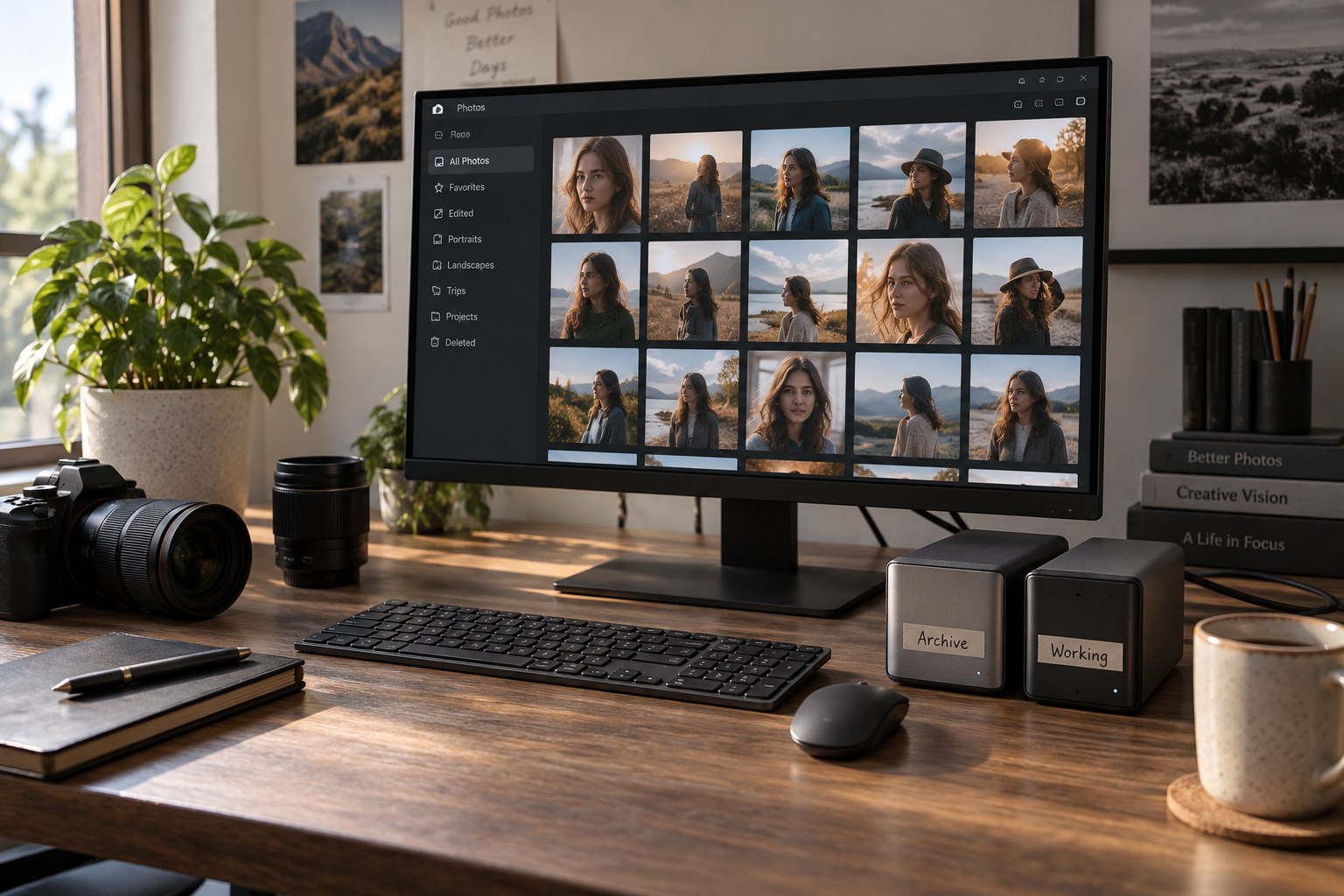
Start by identifying the original photographs, the editing instructions or catalog, any layered working files, and the exported results. These are not interchangeable. A JPEG delivered to a friend may be sufficient for viewing but cannot necessarily replace the RAW original or the layered file used to create it. The archive needs the components required for the kind of future work you intend to preserve.
A working folder can be small and temporary. It might contain copies for an active book project, current exports or files prepared for an external editor. Name the project and record where its originals live. Avoid creating an anonymous folder on the desktop that becomes the only home of an important edit because it was convenient during a deadline.
Decide which copy is authoritative
If you copy originals into a working area, define whether edits are stored beside those copies or in a central catalog. Two identical sources can acquire different sidecars or changes over time. Before copying anything back, compare what has changed and decide which version should remain. Overwriting an archive folder blindly can replace valuable history with an older working copy.
For catalog-based software, a collection may provide a working selection without physically duplicating originals. This can be simpler than moving files between archive and project folders. Understand whether your application's albums, collections or virtual copies store references or independent files. The word copy in an interface does not always mean a second full-resolution original exists on disk.
Use a clear output area for exports. Include purpose and version when needed, such as gallery-web-v2, while keeping the stable source identifier in filenames. Outputs may be regenerated if all source material and editing instructions survive, but some delivered files are worth preserving exactly as sent. Record which exports are final records and which are disposable tests.
A book project without competing masters
For a photo book, keep the selected originals in their established archive locations and assemble the book's working selection through the software where possible. Place layout files and specially prepared print exports in a named project folder. A note can identify which export was sent to the printer and which crop was used. This keeps the project's output specific without turning its folder into an unexplained second archive.
If a revised edit is made during layout, decide whether it belongs only to the book or becomes the general master interpretation. A tighter crop for one page does not necessarily replace the original composition everywhere. Preserve the project-specific version under a clear name and link it to the source. When the book is finished, archive the layout and required assets together so the project can be reopened without depending on a temporary desktop folder.
Close a project before clearing its workspace
List the files that must return to long-term storage: new originals, revised working masters, sidecars, catalog changes and the selected final outputs. Verify that the archive opens them and retains their relationships. A folder full of images is not enough if the edits depend on a missing project file or an unavailable linked asset.
Make a separate backup after the archive has been updated. Then keep the working folder for a defined review period rather than deleting it immediately or leaving it forever without purpose. When you finally remove it, check that you are deleting the temporary copy and not the only version. Use actual paths, not merely similar folder names, to distinguish them.
A short project note can state the archive location, software used, chosen final version and any unresolved items. This makes future reopening possible without reconstructing the whole workflow. Separation is useful when it reduces accidental change and clutter. If it creates three competing masters and no clear source of truth, simplify the system before adding another storage layer.