A photo book asks the viewer to turn pages. Its sequence therefore depends on what one image prepares the next image to do. A strong photograph can become weaker when followed by three nearly identical views; a quiet detail can become meaningful after a wider scene has established its place. Begin by deciding what the book follows: a journey, a person, a place changing over time or a visual idea.
Make small temporary prints or a digital contact sheet before committing to page layouts. Work with fewer pictures than you expect to include. A large selection makes it easy to hide uncertainty by adding more pages. Start with the images that carry distinct information, then identify where another photograph is genuinely needed.
Give each image a role
An opening image can establish place or create a question. It need not be the most spectacular photograph. A wide view might orient the reader; a close detail might make them curious. Decide which kind of opening suits the book and test the first few page turns together, rather than selecting a cover in isolation.
Look for differences in distance and density. A busy market view followed by a quieter object can create a pause. Two images with similar colours can connect separate locations. A repeated shape can carry the reader across a page turn. These links should be visible in the photographs themselves; a long caption should not be needed to explain every transition.
Avoid making alternation mechanical. Wide view, detail, portrait, wide view is a pattern, but it can become predictable if repeated throughout. Sometimes two related details belong together. Sometimes a single image needs an entire spread. Let the material create changes in pace instead of imposing a fixed formula on every section.
Test the spread and the turn
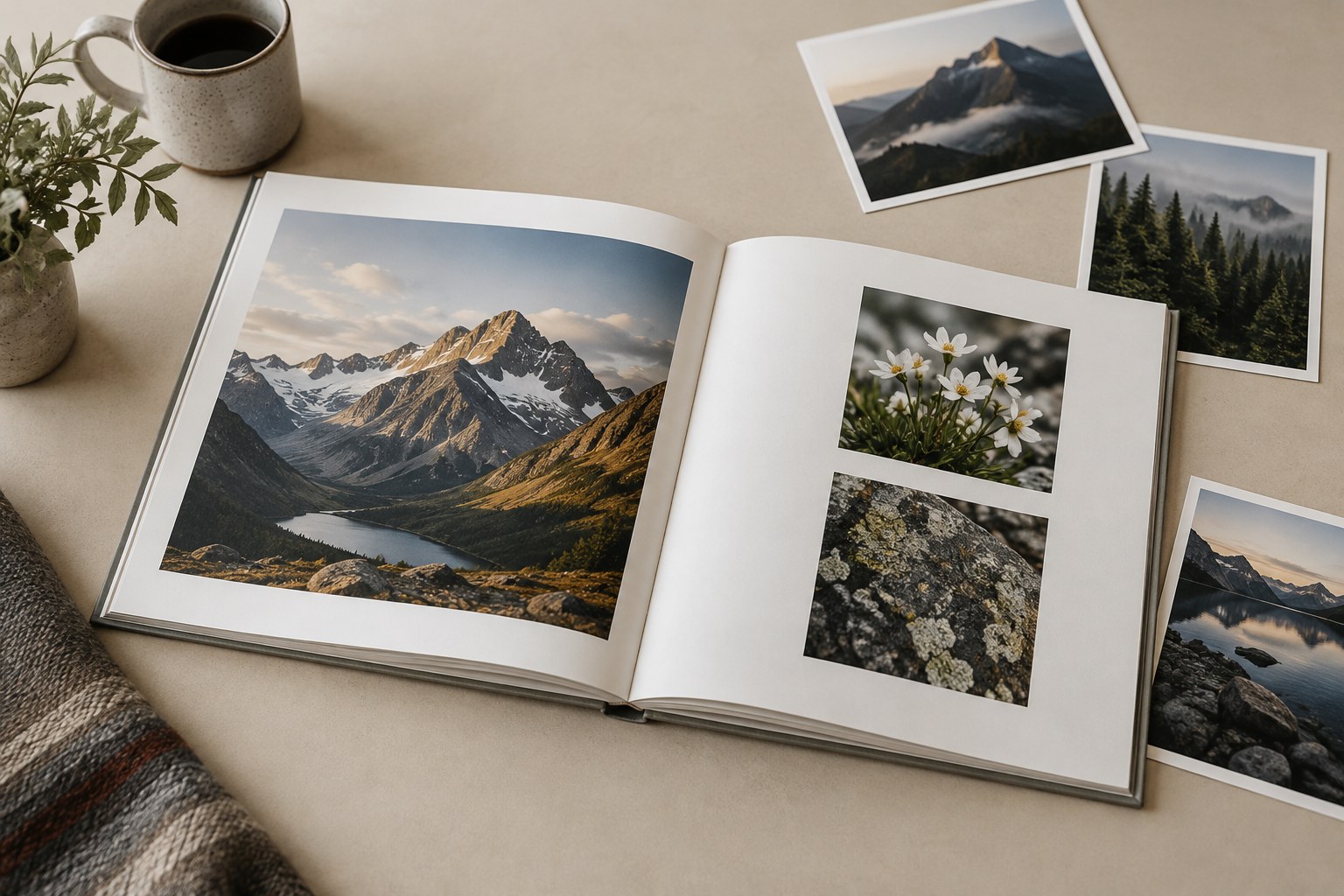
Place facing pages together. A bright image on one side may pull attention away from a quieter photograph on the other. Faces can appear to look out of the book rather than towards each other. Similar horizons may connect pleasantly or produce an awkward visual collision. Move the pictures and compare before adjusting their brightness merely to force a pairing.
Then hide the next spread and turn to it as a reader would. The transition may need a pause, a new establishing image or simply the removal of a redundant photograph. A blank or lightly occupied page can be useful when it creates a deliberate interval, but it should not be added only to make the book look expensive.
Check any photograph that crosses the binding. Important faces, text and narrow vertical details should not disappear into the gutter. The amount lost depends on the binding and product, so use the provider's layout guidance. A photograph that works across a flat screen may not work across a physical fold.
Choose an ending that releases the sequence. It might return to an earlier shape, show a place after activity has stopped or leave a small unresolved detail. Adding every remaining favourite after that point often weakens the ending. Put those pictures aside for another collection.
Finally, review the book without reading the captions. If the visual sequence is understandable, add only the text that contributes names, dates or context unavailable in the image. Make a rough full-book proof and turn every page. The book is a sequence of encounters, not a folder of individual winners.