View the photograph at a small size and notice where your eye lands first. Compare that with the intended subject. A bright corner, a high-contrast sign or a pale foreground object may pull attention away. Sometimes darkening that distraction slightly is more effective than making the subject increasingly bright. Establish the global exposure and colour first so local work has a stable foundation.
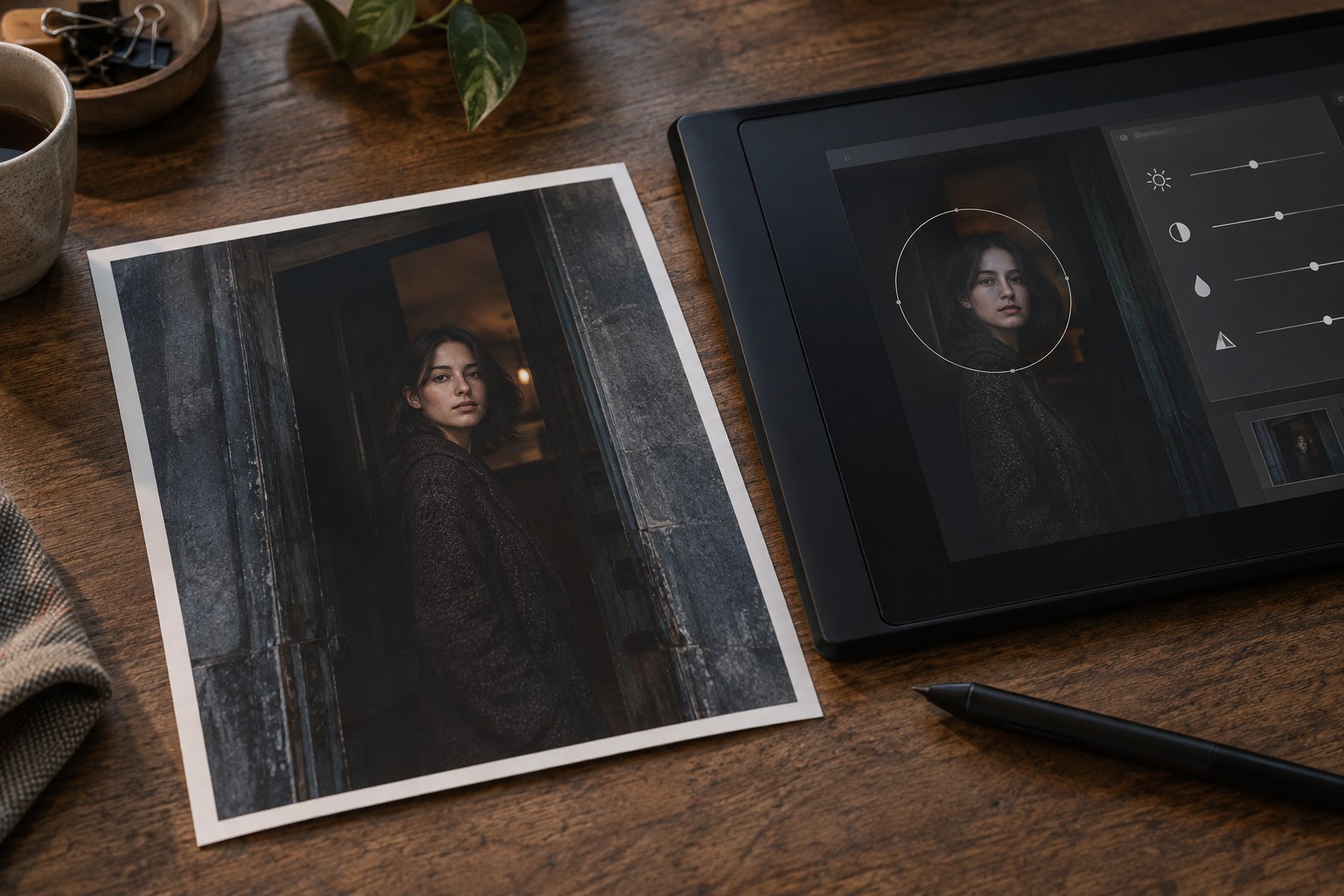
Choose one specific aim for the first mask: reveal a face, soften a bright edge or separate a foreground object from its background. Apply a modest change and toggle it. If you cannot describe what improved, remove the adjustment rather than retaining it because it took time to make. A collection of individually subtle changes can still produce an overworked image.
Make the transition belong to the light
Feather a mask according to the shape of the illumination, not simply the outline of the object. A brightened subject with a perfectly traced edge can look cut out. In many situations, the adjustment should extend gently into nearby space or vary across the subject. Inspect boundaries around hair, branches and fine structures where automatic masks may leave gaps or spill into the background.
Use different tools for different geometry. A broad gradient can suit a gradual brightness change, while a brush or subject mask can isolate a smaller area. Refine the result by observation rather than trusting the selection label. A sky mask that includes a pale building can alter the building unexpectedly, especially after stronger contrast or colour adjustments.
Consider whether brightness is really the problem. A slightly reduced saturation in a distracting background object may help more than darkening it. A small increase in texture can clarify a material, but it can also make it compete with the main subject. Local controls should support the intended order of attention, not make every part equally vivid.
A bright sign behind the subject
A pale sign behind a darker person may dominate the first glance. Try a small reduction in the sign's brightness and saturation before lifting the person. Keep the sign's lettering and material plausible. Turning it into a dark rectangle merely replaces one distraction with another.
Now compare the person's surroundings. If the subject becomes clearer without any change to their exposure, the intervention has done enough. If further work is needed, make a restrained local lift that follows the existing light on the face or clothing. This sequence keeps the edit focused on the actual competition within the frame rather than applying an automatic spotlight to every subject.
Check the accumulated effect
Turn off all local adjustments together and compare the overall photograph. If the scene now appears to have a different, implausible lighting system, reduce the combined effect. The viewer should not see a ring around the subject, a dark border imposed on every edge or isolated patches that do not share the same atmosphere.
Inspect noise and colour in lifted areas. Brightening a deep shadow can expose limited recorded detail, and a local saturation change can create uneven transitions. Check at full resolution for artefacts, then return to normal size to judge the image. Do not let a tiny pixel-level issue justify a large adjustment that harms the whole frame.
Save the work reversibly and test the final export. A small screen version can hide delicate changes while making a heavy vignette more obvious. The successful edit gives the eye a clearer path through the photograph without requiring the viewer to notice the techniques used to create it.